
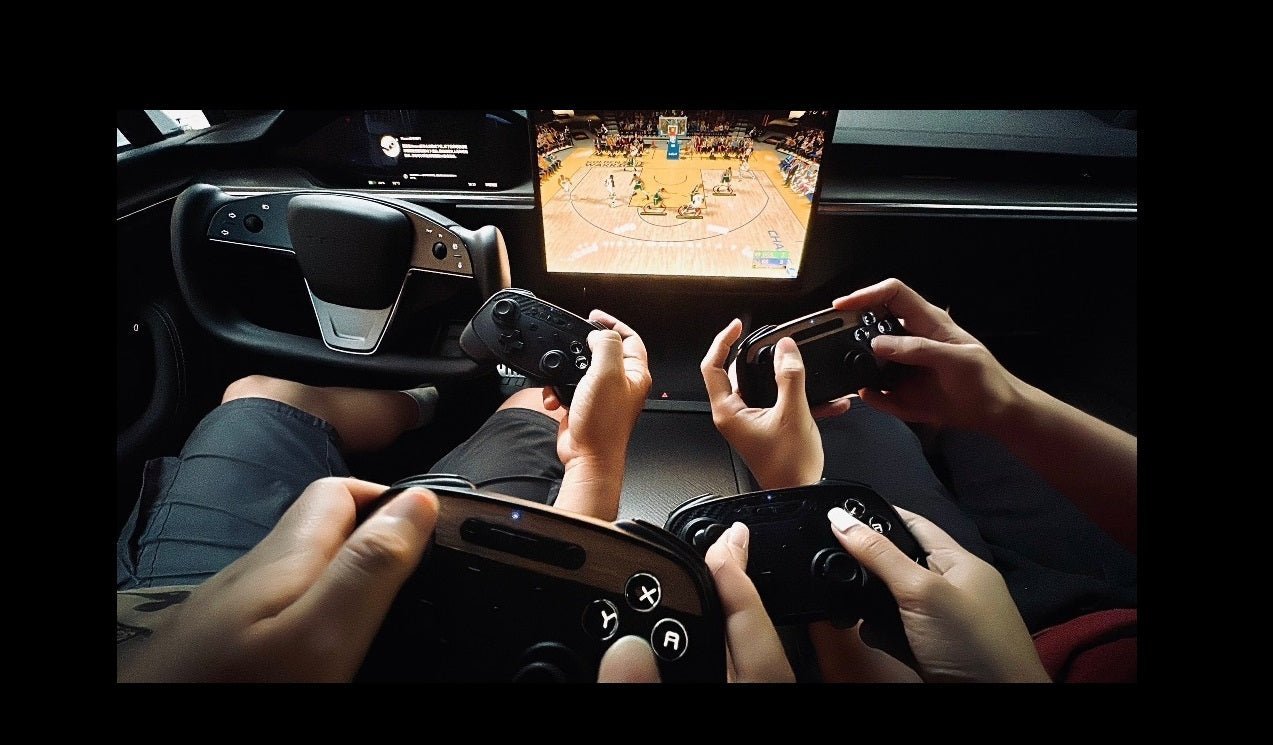
How to Play Games on Tesla?

By
Shraddha Sureka

Owning a Tesla is not just about owning a car; it’s like buying a full-fledged gaming console that allows you to play tons of games on-the-go. Here is your ultimate guide to the best gaming options available in 2026.
Jump to a Section
Tesla Arcade
The built-in Tesla Arcade is the core gaming experience, featuring high-fidelity titles optimized for the car's hardware.
How to Play
- Shift into Park.
- Tap the Application Launcher (three dots) at the bottom of your touchscreen.
- Select the Arcade icon.
- Choose your game and hit 'Play'.
Introducing Jowua Games
For variety beyond the stock library, Jowua Games is a curated platform optimized for the Tesla browser, offering exclusive features and competitive play.
How to Play
- Open your Tesla Web Browser.
- Search for "Jowua" or visit jowua-life.com.
- Tap Jowua Games in the top navigation menu.
- Click the Fullscreen icon in the game window for the best view.

1. Testris: Galactic Competition

This isn't just a puzzle game; it’s a mission. Testris features iconic Tesla Starship launch pad imagery as its background. The real challenge lies in the global ranking system, where you can compete against Tesla owners worldwide or fight to become the #1 player in your local country.
2. Freedoom: The Ultimate Browser FPS

Freedoom is the first First Person Shooter (FPS) to run flawlessly inside the Tesla browser. Built on the BOOM engine, this classic shooter is fully controller-optimized and includes save state support, so your progress is always safe between charging stops.
Full Jowua Games List
- Prince of Persia: The original cinematic platformer; rescue the princess while dodging traps.
- Celeste Classic: A challenging platformer adventure through snowy peaks.
- 2048: The addictive logic puzzle where you merge numbers to reach 2048.
- Spelunky Classic HD: A randomized cave exploration platformer filled with treasure.
- Abuse: Battle hordes of aliens in a gritty, high-tech prison setting.
- Joystick Hero: Intense 1v1 arcade combat to test your reflexes.
- Neon Snake: A high-speed, neon-infused evolution of the retro classic.
- Underrun: Survive waves of enemies in an atmospheric, twin-stick survival shooter.
YouTube Playables
YouTube Playables turns your video app into a library of casual games accessible directly through your Tesla's screen.
How to Play
- Open the Theater app and select YouTube.
- On the left-hand menu, scroll down to find Playables below Podcasts.
- Select a game and start playing instantly with touch controls.
Steam on Tesla

While Steam was removed from new deliveries in 2024, it remains a powerhouse for owners of select 2022-2023 Model S/X. For those lucky enough to have it, the Jowua 1TB SSD is essential for managing the massive game library.
The Best Way to Play
To get the best out of gaming on a Tesla—whether it's the built-in Arcade or the Jowua Games platform—using a high-quality controller is essential for precision and comfort.
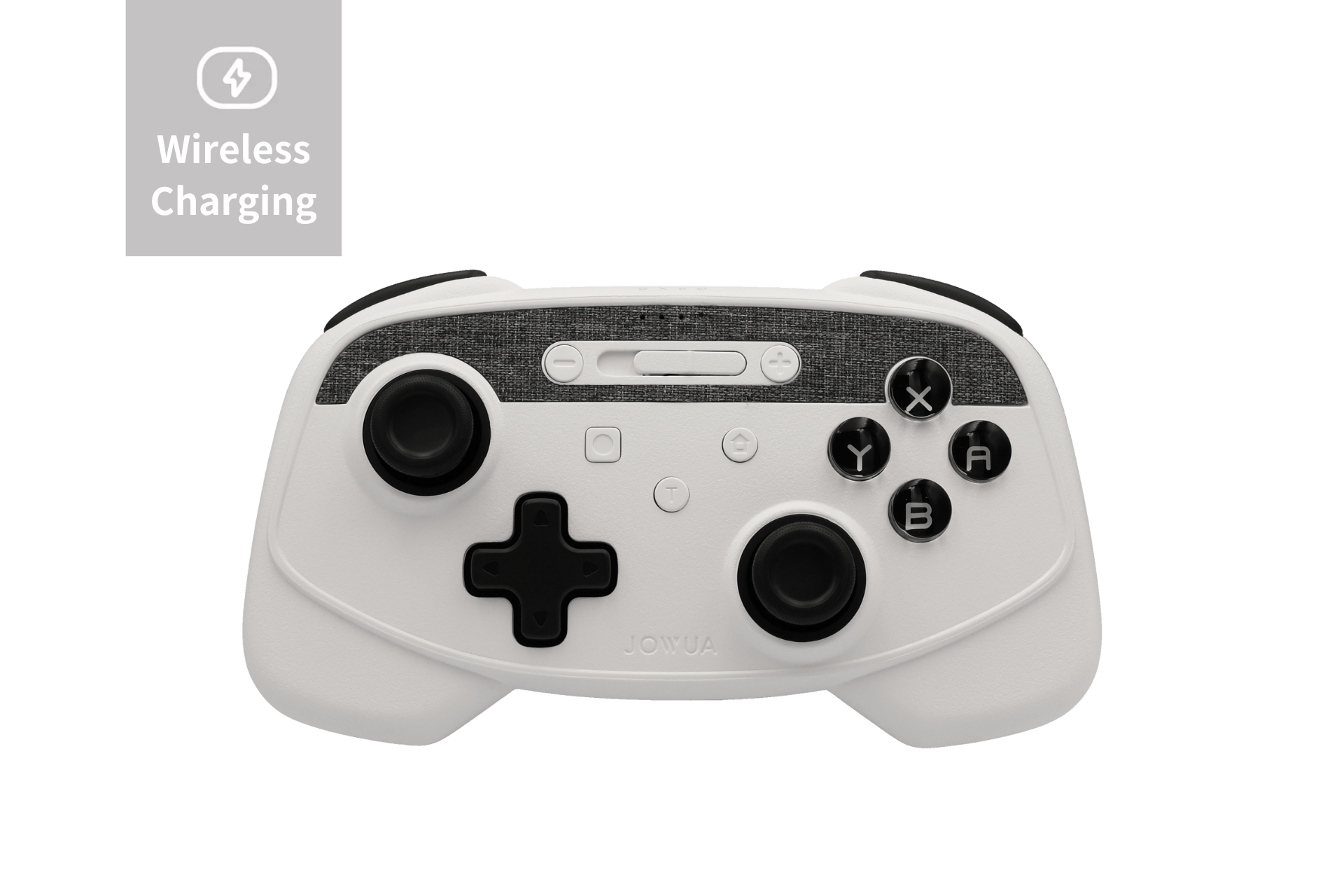
Multi-Device Wireless Controller
The ultimate companion for Tesla gaming. Features dual-vibration motors and a custom chip for instant pairing with your dashboard, rear screen, and smartphone.
PRODUCT DETAILSIs Gaming in Tesla Safe?
Tesla has strictly disabled “Passenger Play” while the car is in motion to ensure driver focus. Gaming is completely safe as long as it is used during downtime, such as while charging or waiting. Always ensure your vehicle is in Park and your software is up to date to maintain these safety protocols.
Read more

Model Y Juniper Top 10 Best Accessories
It's here! The long-awaited new Model Y "Juniper" is finally available for order! Based on the first previews and tests we've conducted, it seems Tesla has made another leap in terms of quality and...
Read more
Tesla HW3 vs. HW4: What has changed and how did that affect Tesla accessories
Tesla’s journey toward full self-driving (FSD) has been nothing short of revolutionary. With each hardware upgrade, Tesla vehicles get smarter, safer, and more capable. But what exactly changed bet...
Read more
Leave a comment
This site is protected by hCaptcha and the hCaptcha Privacy Policy and Terms of Service apply.