
Tesla Owner FAQ
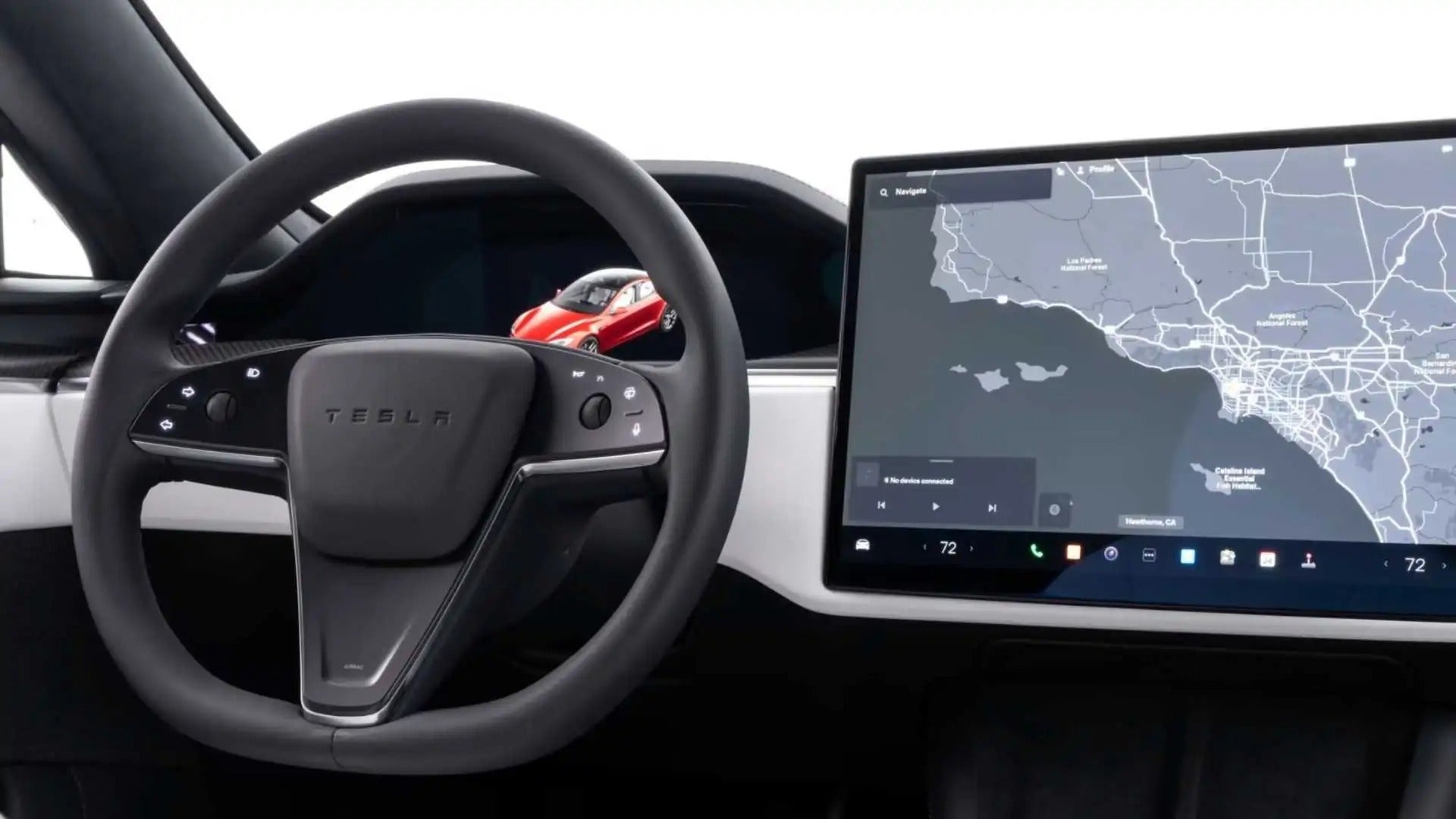
If you're experiencing minor software issues with your Tesla, rebooting can be a quick fix. Check out the various Tesla rebooting methods, including a soft reboot for touchscreen and infotainment r...
Read more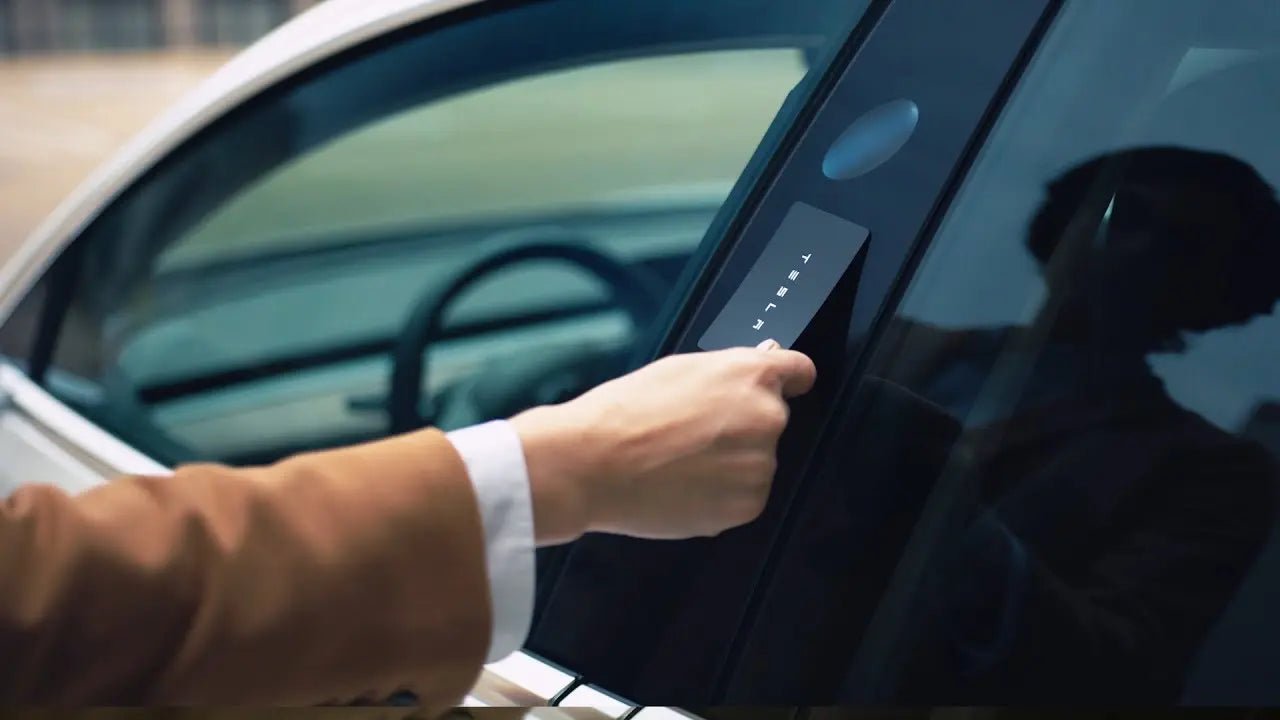
Image Credits: LiCarco You can lock your Tesla in any of the following ways, depending on the model and your preferences. Jump to a Section 1. Using the Card Key (Model 3 and Model Y) 2. Using th...
Read more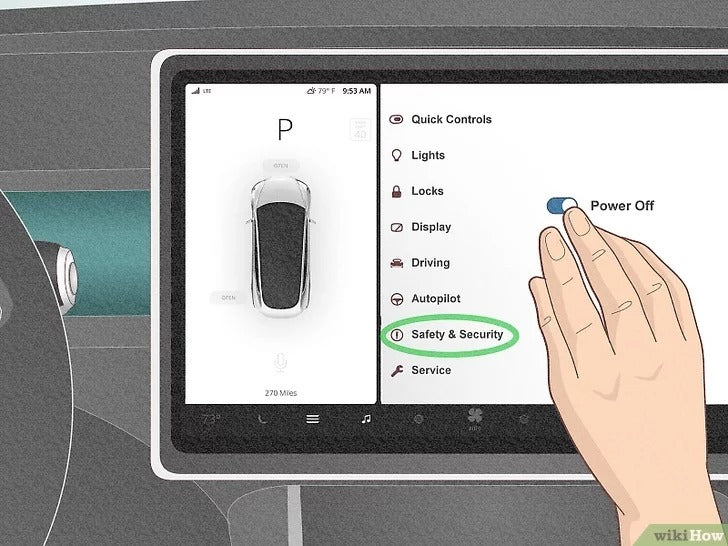
Image credit: wikiHow Can you turn off a Tesla? Not the way you switch off a gas car. There is no ignition key, and the car manages its own power: it shuts the screens and drive systems down when y...
Read more
How to Drive a Tesla: First Drive & New Owner Ultimate Guide (2026)
Driving a Tesla combines cutting-edge tech with the thrill of electric driving. This guide covers everything from models and charging to advanced features like Autopilot. New drivers will learn abo...
Read more
How to Cast YouTube Videos to Tesla Touchscreen
Casting YouTube videos to the Tesla Touchscreen can enliven your road trips or Supercharging wait time. Here's how to do it using the Tesla app: Steps: Click share on a video you want to cast Cl...
Read more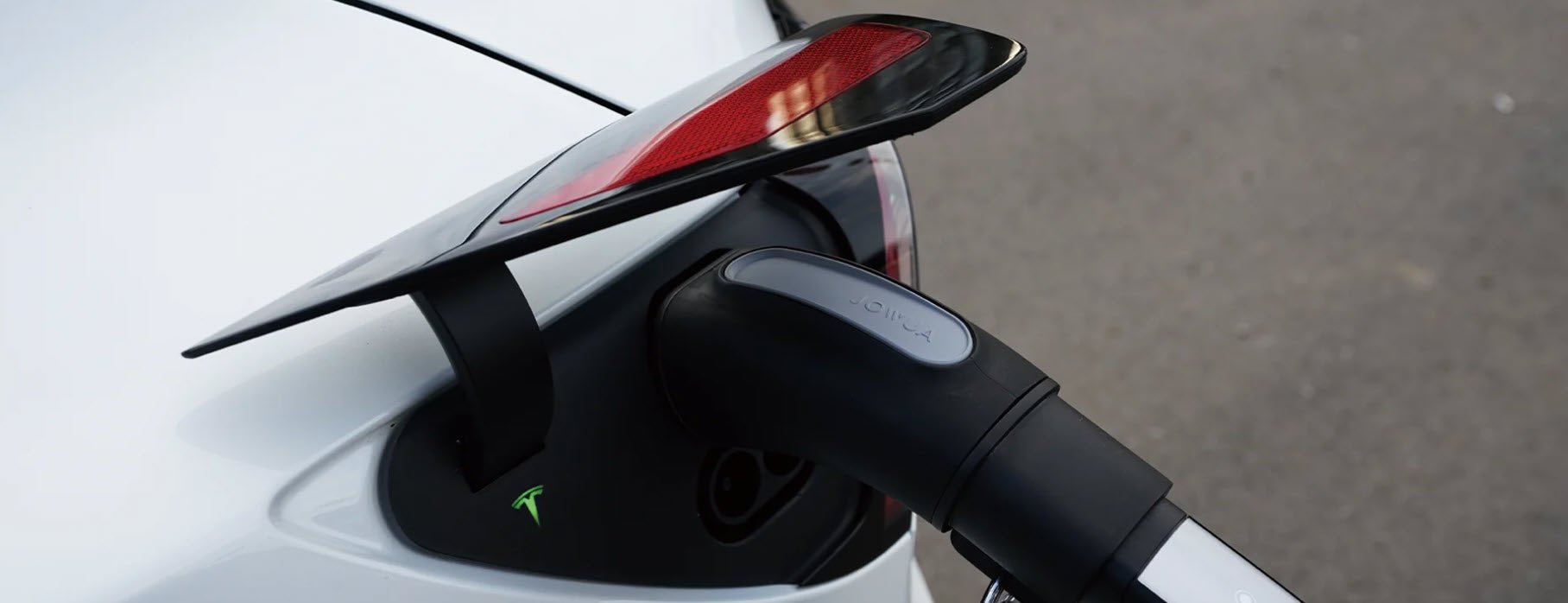
How to Retrofit your Tesla Model 3 and Y for CCS Charging
In the rapidly evolving landscape of EVs, compatibility and adaptability are key. With various charging standards emerging, it's essential for Tesla owners to have the option to charge their vehicl...
Read more