


Enhancing Tesla Safety - Tips & Tricks (Parental Controls, Valet Mode & More)
Enhancing Tesla Safety – Tips, Tricks & Jowua Accessories
Parental Controls, Valet Mode, Anti-Theft Features & More
Tesla vehicles are packed with advanced features—but when it comes to safety, both digital and physical layers matter. Whether you're handing over the keys to a teen, a valet, or just parking in public, this guide walks you through the best tools Tesla provides, and how smart accessories from Jowua can add a final layer of protection.
🔐 1. Pin to Drive – Your First Line of Defense
Before we dive into the newest features, let’s start with a classic: PIN to Drive. This simple setting adds a critical layer of security in case someone gains access to your phone or key card.
-
How it works: A 4-digit PIN is required every time the car is started.
-
Why it helps: Prevents thieves from driving away—even if they have your phone.
-
Bonus Tip: The PIN input box appears in random positions to avoid fingerprint smudging hints.
➡️ Setup: Controls → Safety → Pin to Drive
👪 2. Parental Controls (2024.26) – Peace of Mind for Teen Drivers
Tesla’s latest update introduced a dedicated Parental Controls mode, perfect for younger or new drivers.
Key Features:
-
Speed limit & Chill Mode enforced
-
Safety features locked ON: AEB, blind-spot alerts, lane departure, etc.
-
Night driving curfew alerts (11 PM–4 AM)
-
PIN-protected settings linked to a driver profile
Why it matters:
Drivers under 25 are statistically more accident-prone. These controls add proactive protection similar to insurance “black box” systems.
➡️ Setup: Controls → Safety → Parental Controls
🧑✈️ 3. Valet Mode – Privacy & Safety When Handing Over the Car
Perfect when others borrow your Tesla.
What it does:
-
Limits speed to 70 mph and acceleration to Chill mode
-
Hides your addresses, calendar, and voice data
-
Locks glovebox and frunk, disables Autopilot and Bluetooth pairing
➡️ Activate via the touchscreen or Tesla app. First time requires a PIN.
Great for:
-
Valet parking
-
Friends/relatives borrowing your Tesla
-
Privacy protection when handing over your car
🪞 4. Jowua Reflective Emergency Release Straps – Be Ready for the Unexpected
Tesla’s doors rely on electronic mechanisms—but in a crash or power-loss scenario, manual exit matters.
That’s where Jowua’s reflective emergency straps shine:
| Feature | Benefit |
|---|---|
| Mechanical release | Always works—even if electronics fail |
| Reflective design | Visible in the dark |
| Clean install | Matches Tesla’s aesthetic (no tools needed) |
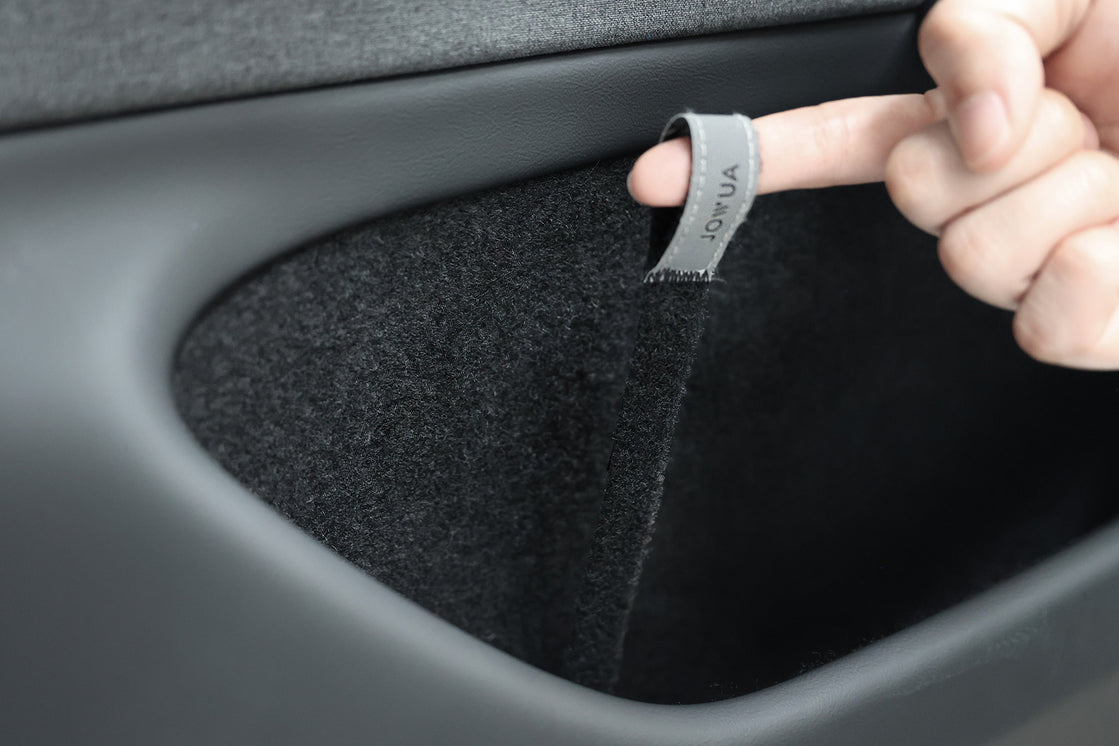
➡️ Designed for Model 3 Highland (2024+) and Model Y, these straps offer peace of mind for any passenger.
🧠 5. Sentry Mode – Tesla’s Built-In Virtual Guard
When activated, Sentry Mode uses the car’s cameras to record suspicious events—one of the most powerful theft deterrents.
Why it helps:
-
Deters intruders visually (thanks to the red “robot eye” glow)
-
Sends alerts to your phone
-
Records video you can use as evidence
➡️ Tip: Combine it with Premium Connectivity for live camera access via the app.
🧭 6. Extra Layer: Hide an AirTag in the Car
Many Tesla owners choose to hide an AirTag or tracker in a secret spot in their car, adding redundancy in case Tesla’s built-in GPS is tampered with.
📱 7. The Phone Key — Convenient but Not Foolproof
Tesla's Phone Key is brilliant… but also a potential weakness if your phone is stolen.
Solution: Always pair it with PIN to Drive and use biometric locks on your smartphone.
👁 8. View Live Camera Feed – Real-Time Eyes on Your Tesla
Via Premium Connectivity, you can stream your car’s cameras in real-time through the Tesla app.
➡️ Great when you get a Sentry notification—or just want to check on your parked car.
🔒 A Holistic Approach to Tesla Safety
Here's how to combine all the tools and accessories into a multi-layered strategy:
| Layer | Feature |
|---|---|
| Access control | PIN to Drive, Phone Lock, AirTag |
| Driver behavior | Parental Controls, Valet Mode |
| Physical security | Jowua reflective straps, frunk/glovebox lock |
| Digital monitoring | Sentry Mode, Live Camera |
✅ Why It Matters
Owning a Tesla means embracing both freedom and responsibility. With just a few smart setups and accessories:
-
You protect your data
-
You improve driver safety
-
You add peace of mind in emergencies
-
You reduce theft risks with visible and hidden deterrents
If you're a parent, frequent traveler, or just love your Tesla, it’s time to activate these features and consider gear like Jowua’s emergency release straps. Safety, after all, is smarter when it’s layered.
Read more
Introducing the New Jowua Bundles for Model Y Juniper (2025+)
You've got a brand new Model Y Juniper 2025+ and want to equip it with some of the best accessories available on the market? And of course you'd like to get the best deal out of it for the quality?...
Read more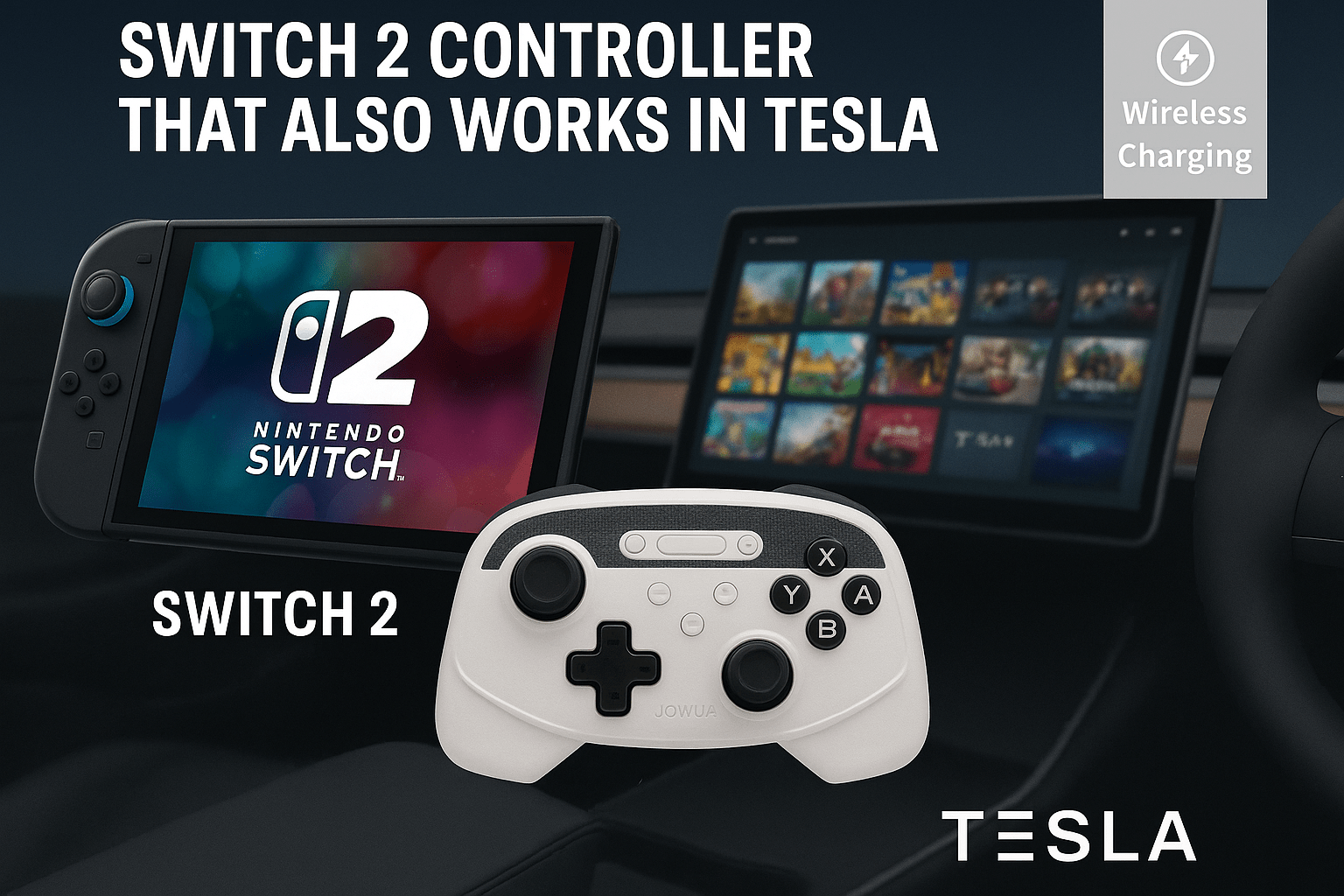
Switch 2 Controller That Works in Tesla – The Ultimate Dual Gaming Gamepad
You Just Bought a Switch 2 and Have a Tesla? There’s a Controller That Works on Both! If you’re a Tesla owner and just got your hands on the brand-new Nintendo Switch 2, you’re in for a surprise: t...
Read more
Leave a comment
This site is protected by hCaptcha and the hCaptcha Privacy Policy and Terms of Service apply.