
Tesla Owner FAQ
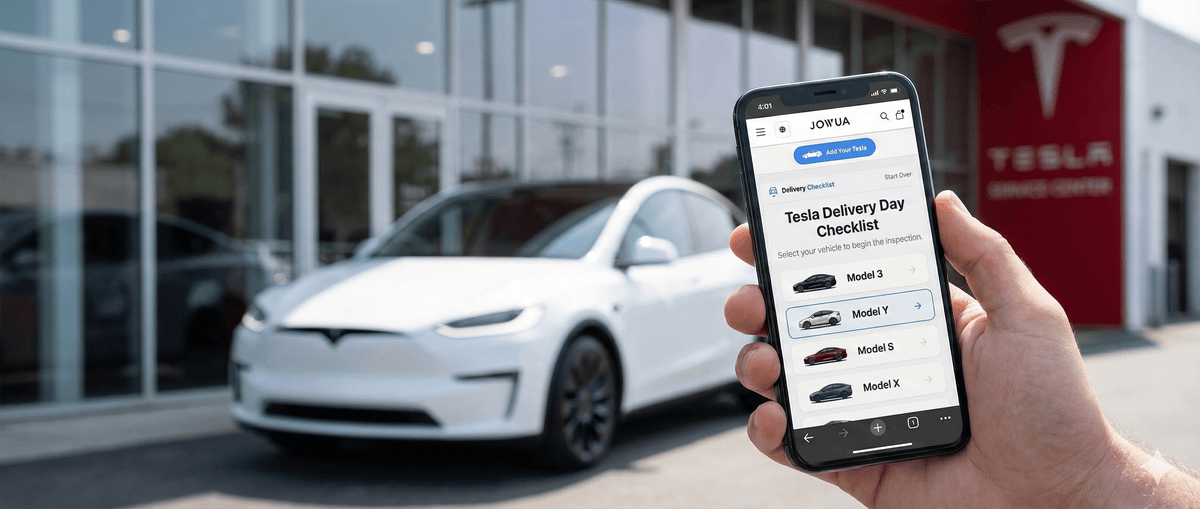
Tesla Delivery Day Checklist 2027: Pickup Inspection for Model Y & Model 3 (Free Tool + PDF)
Your Tesla delivery appointment is booked. Use this 2027 checklist to prepare in the Tesla app, inspect the car before you accept delivery, document anything you find, and enjoy the first drive. In...
Read more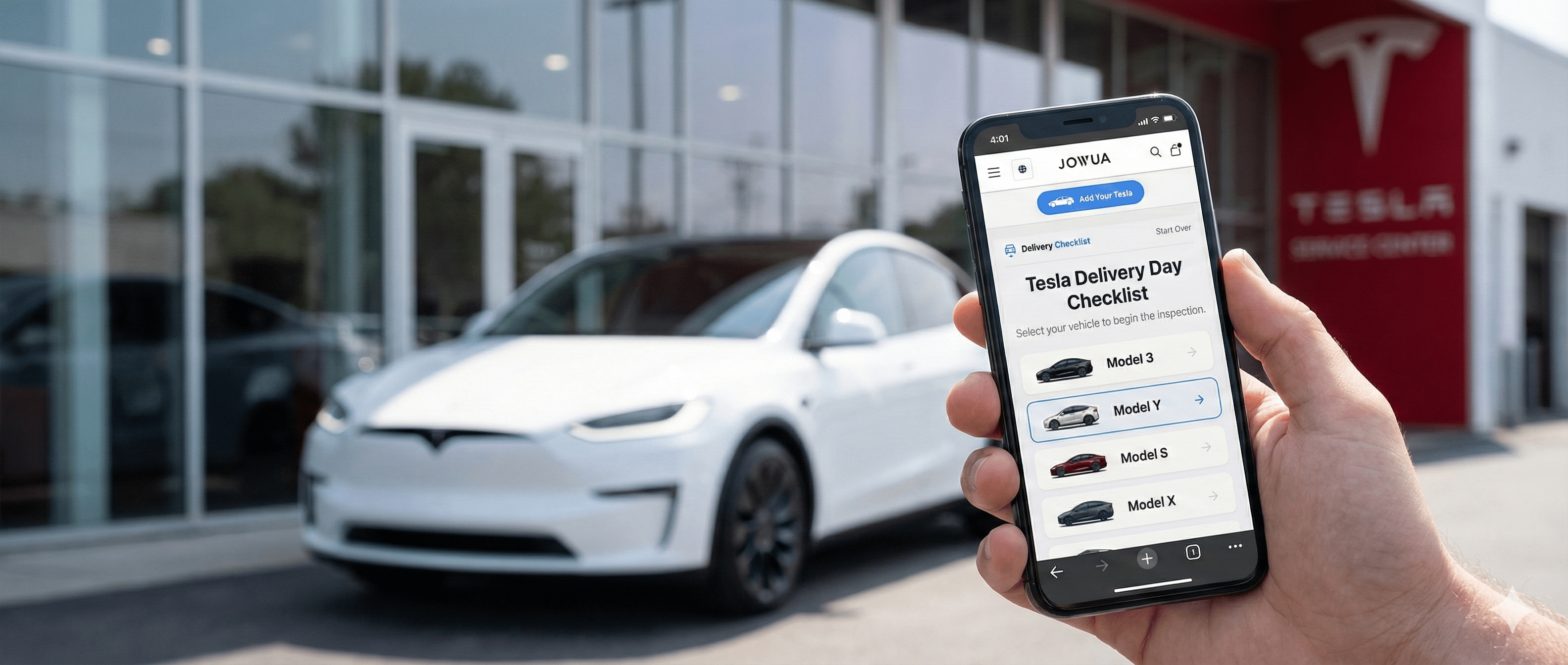
The Ultimate 2026 Tesla Delivery Day Checklist (Free Tool + PDF)
The wait is finally over. You’ve refreshed the app a thousand times, and your delivery date is finally here. Whether you are picking up a Model 3, Model Y, or the new Cybertruck, the excitement is ...
Read more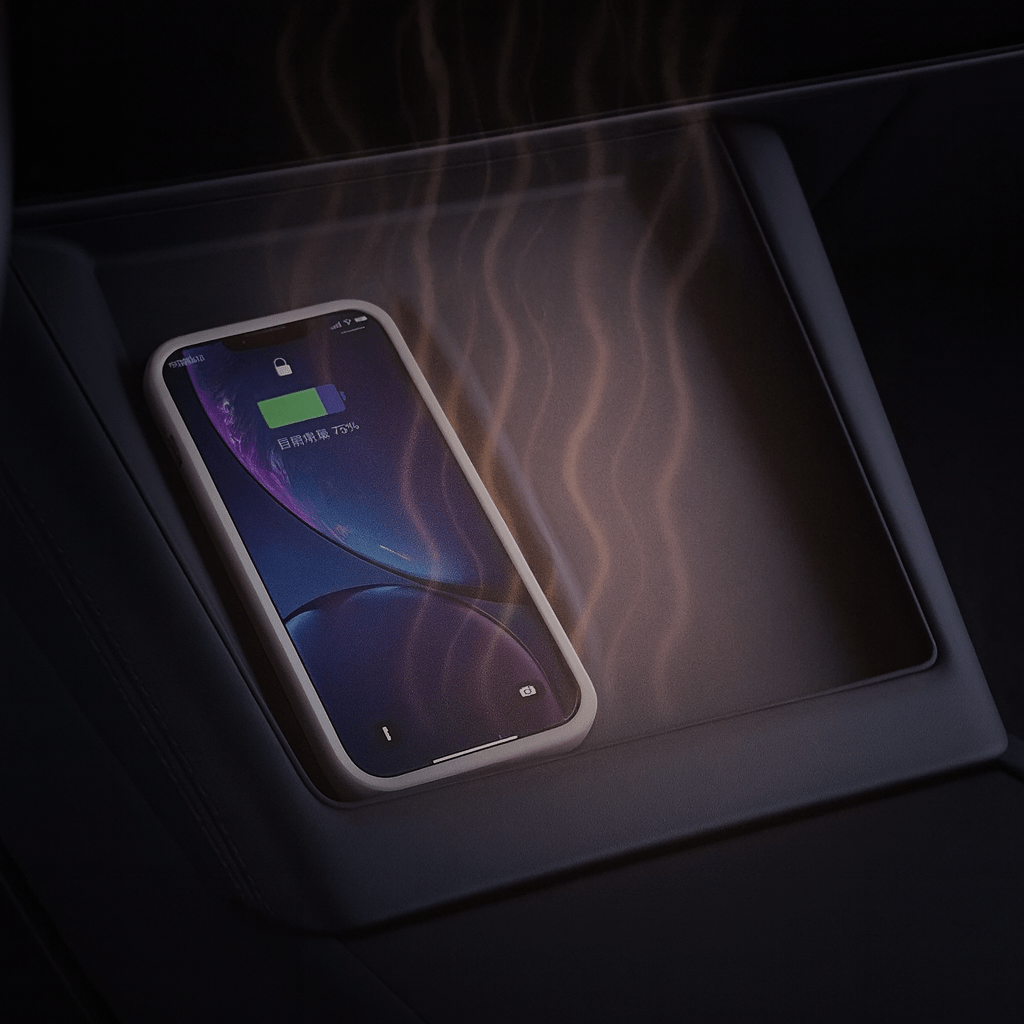
How to Keep your Phone Cool in Your Tesla
Tesla’s wireless pads often act more like “phone warmers” than chargers, with many users seeing temps hit 45–50 °C—enough to slow charging and degrade batteries 20–40% faster over time. Misalignmen...
Read more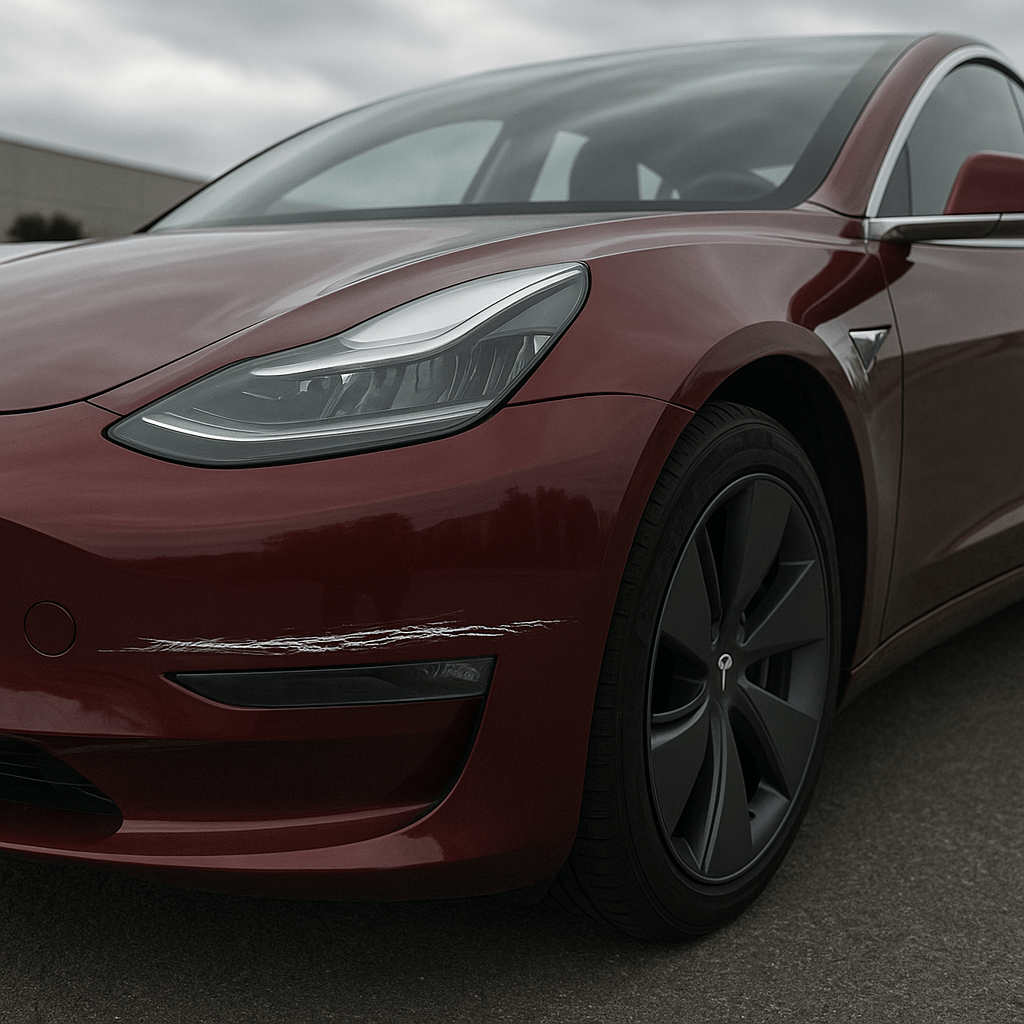
How to Fix Paint Scratches on Your Tesla
Every Tesla owner knows the joy of driving a pristine car. But over time, even the most careful drivers face minor scratches, chips, or dings that can affect their car’s sleek appearance. In today'...
Read more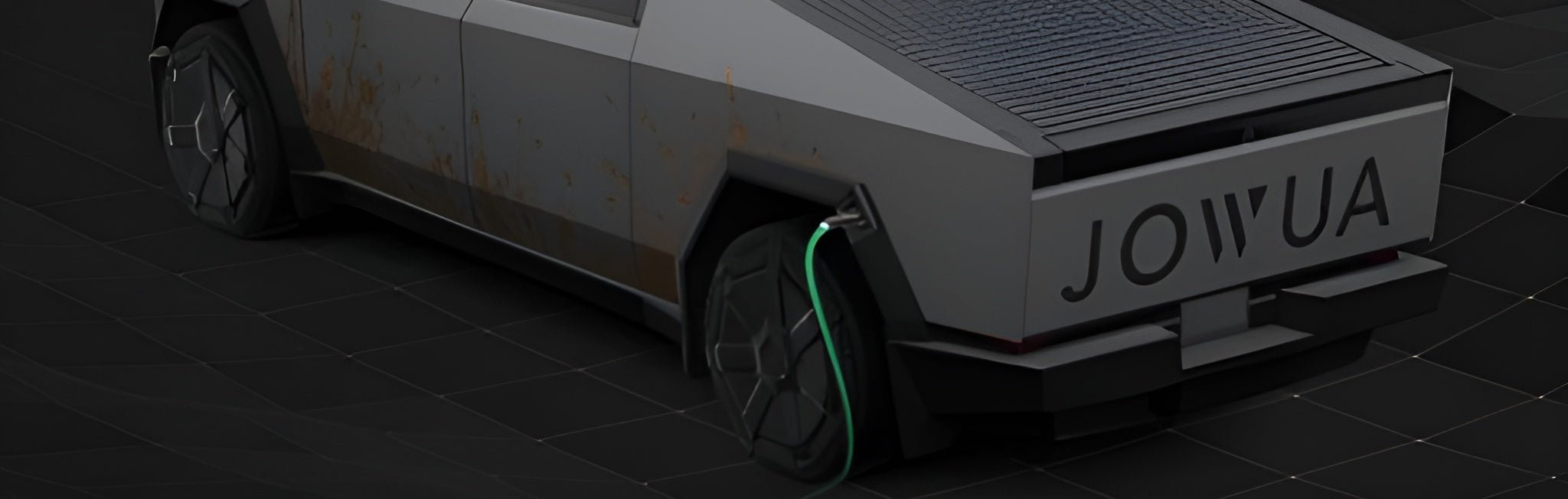
Customizing Your Cybertruck: A Guide to Digital Wraps on the Touchscreen Display
Discover how to personalize your Tesla Cybertruck with custom digital wraps right on its touchscreen. Learn to access Tesla's GitHub repository, design your own wrap, and apply it to your vehicle's...
Read more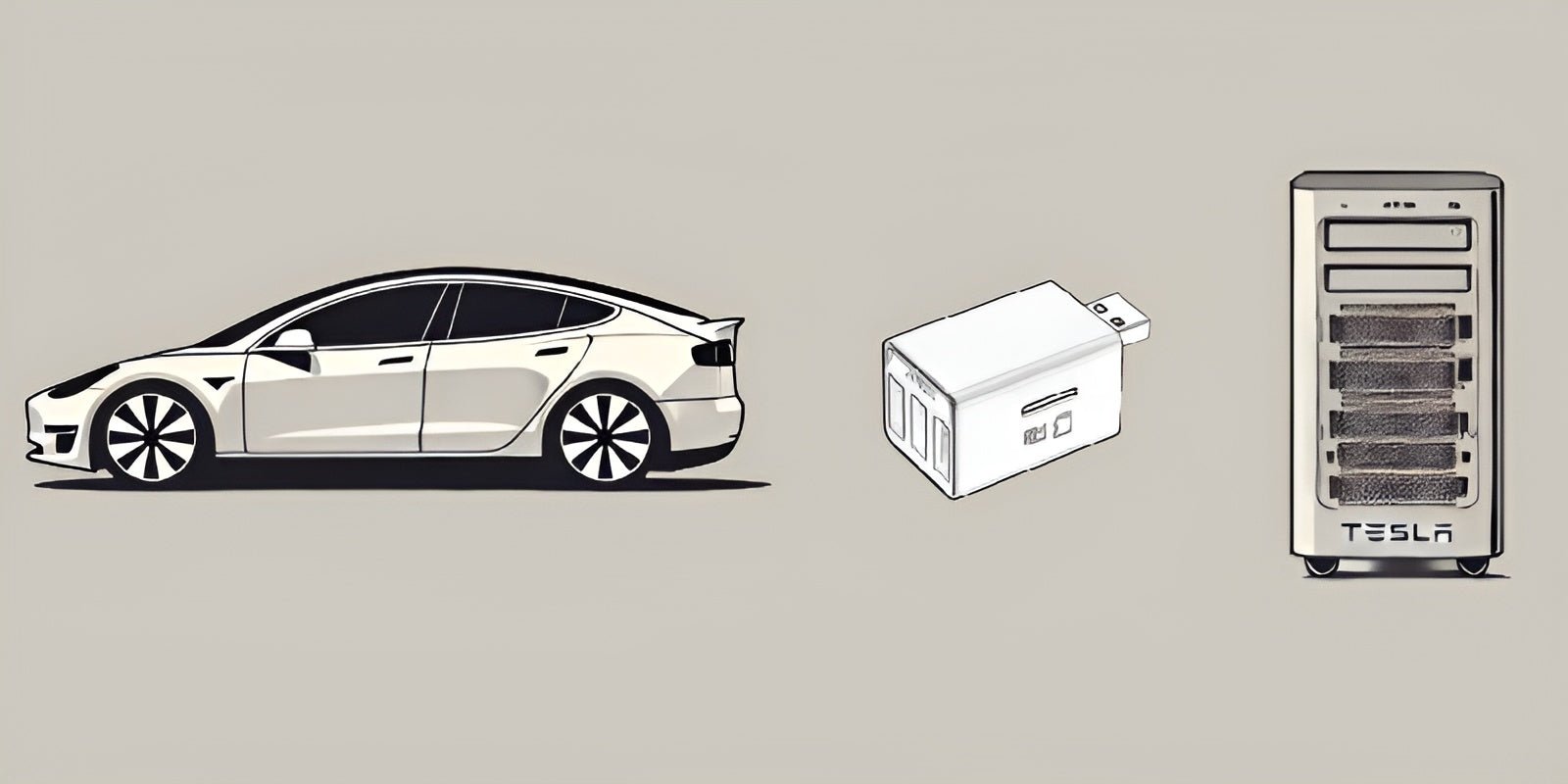
How to Backup DashCam > Tesla DashCam Backup Utility
Copy all your Tesla DashCam footage to a backup device, with one handy script.
Read more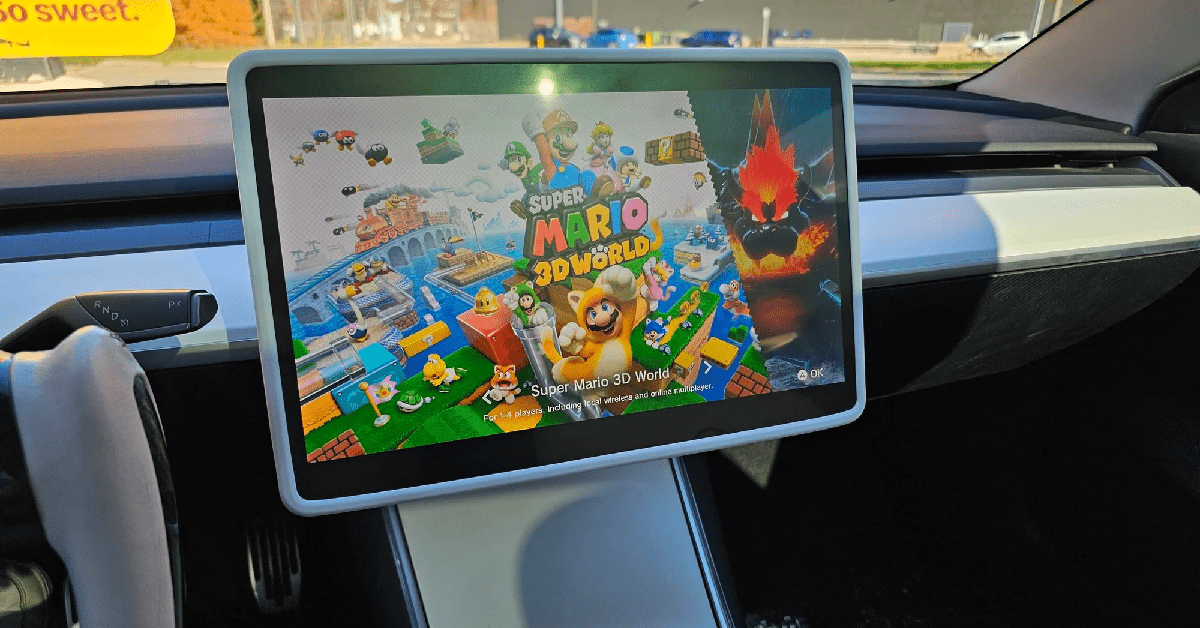
How to Connect a Nintendo Switch to Your Tesla Touchscreen
Learn how to connect your Nintendo Switch or any HDMI-compatible device to your Tesla’s touchscreen for a next-level in-car entertainment experience.
Read more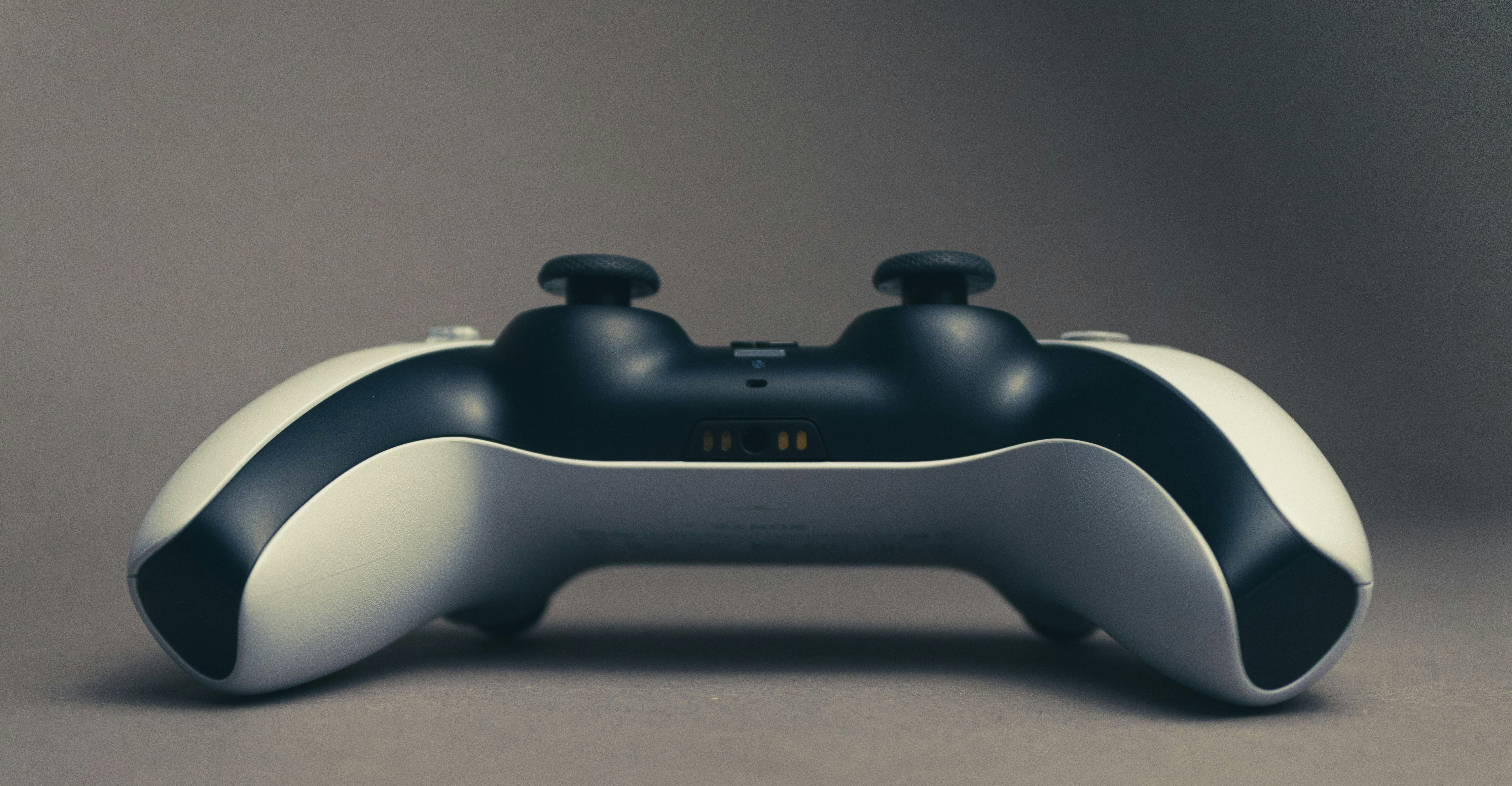
How to connect a PS5 controller to your Tesla?
Driving a Tesla is not only about the electric motor and the environmental friendliness that comes with it. Driving a Tesla is a technological experience that amazes on many levels. One of these am...
Read more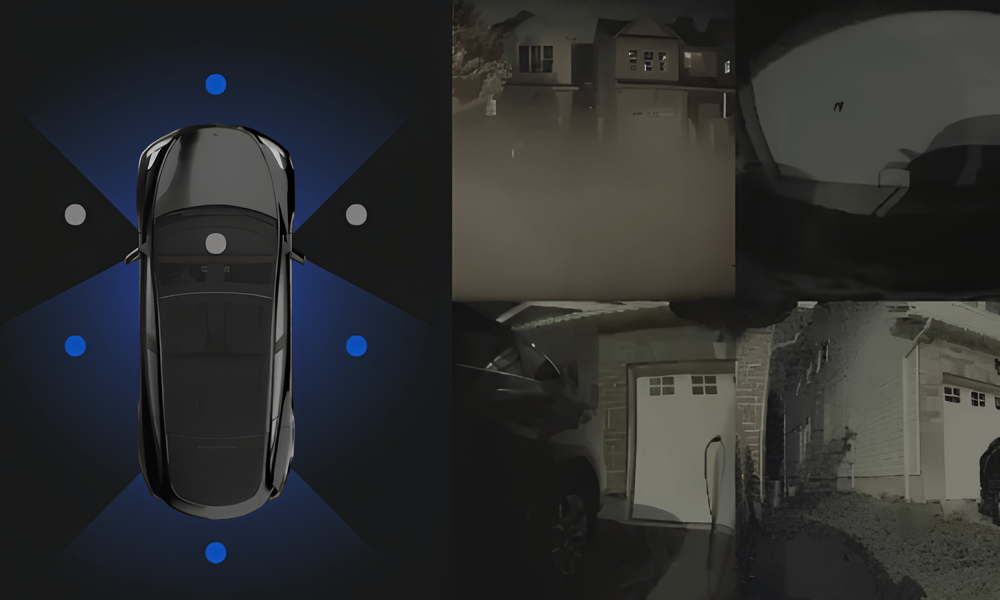
How to View Sentry Mode Events on Your iPhone
Tesla’s Sentry Mode provides security by monitoring your car's surroundings. To view live events on your iPhone, you'll need Premium Connectivity and to enable Live Camera access in your car's sett...
Read more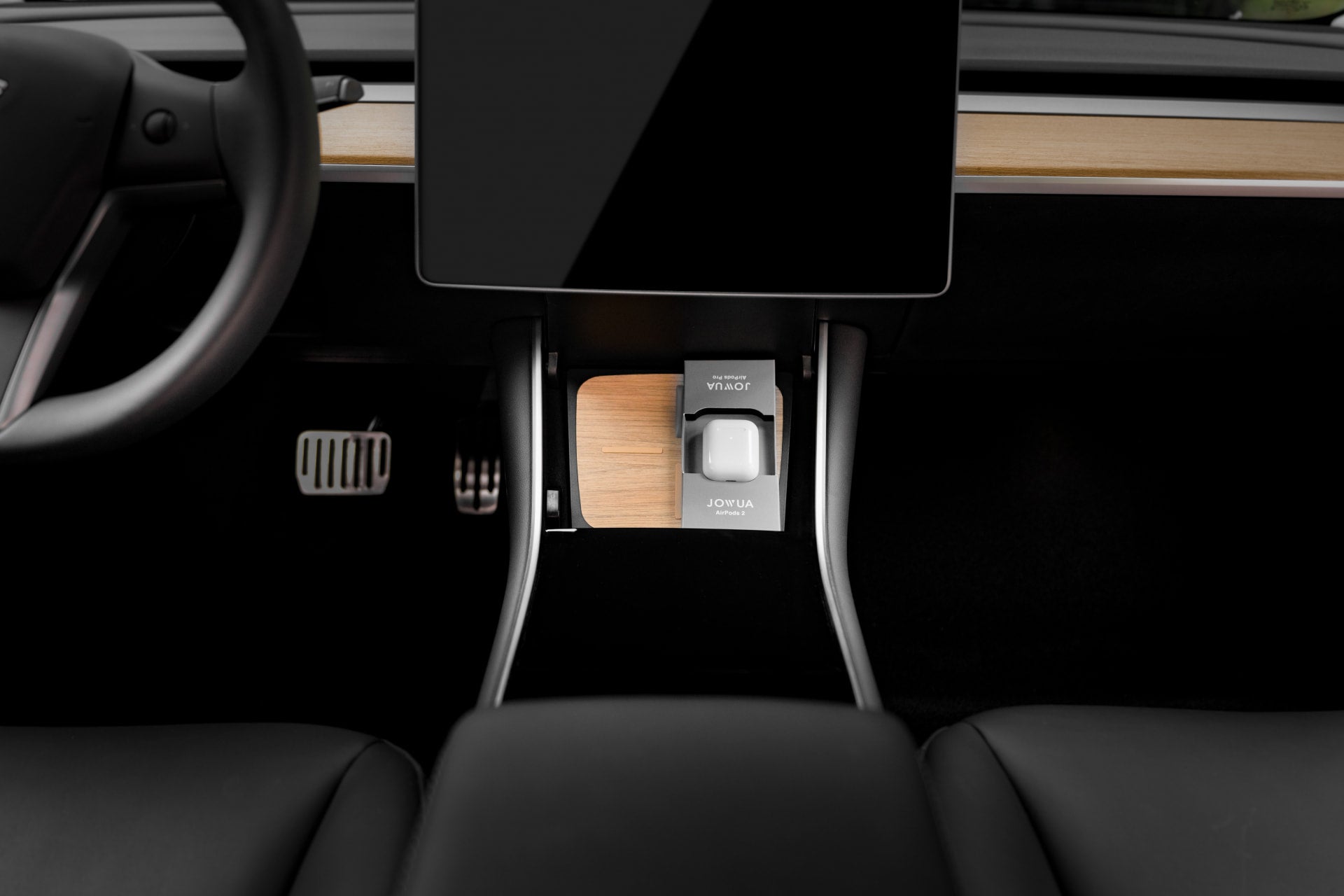
How to charge your AirPods in a Tesla?
Simply placing your AirPods on the Tesla wireless charger doesn't align with the charging on the AirPods: 1. Simply grab the Jowua AirPods Charger Stand and place it on the Tesla wireless charger. ...
Read more