


The Ultimate Guide to Tesla’s 2026 Summer Update: Unlock Your Car’s Full Potential
Hello, Tesla owners! We are Jowua, your premium lifestyle partner.
One of the most thrilling moments of owning a Tesla is waking up to an OTA (Over-The-Air) update notification. It’s that magical feeling of getting a smarter, better car without ever having to visit a dealership.
 Currently rolling out, the 2026 Summer Update (v2026.26+) goes way beyond simple bug fixes. It brings massive, game-changing features that will completely transform your driving experience.
Have you downloaded the update but feel a bit overwhelmed about where to start? Don't worry. Jowua has put together a practical How-To Guide so you can apply these new features directly to your daily routine. Hop in, and let’s walk through them together!
1. Complete Vehicle Control with 'Grok' AI
The biggest game-changer in this update is the evolution of Tesla’s xAI-powered assistant, Grok. Moving past simple Q&A and navigation, Grok now has the authority to directly control your car's hardware and software. In recent community tests, Grok successfully handled 116 out of 170 voice commands (about 68%) completely hands-free!
💡 How-To Use:
-
Wake it up by long-pressing the voice command button on your steering wheel, or simply say, "Hey Grok."
-
You can now string multiple commands into one sentence. Try: "Hey Grok, fold the mirrors, set the wipers to max, and drop the temperature by 5 degrees." It will execute all of them in sequence.
-
From making calls and playing music to adjusting the climate and navigating deep into the settings menu—it can do it all.
Jowua's Tip: Grok is a lifesaver when you want to avoid tapping the display while driving. Keep in mind that support capabilities may vary slightly depending on your car's hardware (MCU). We highly recommend testing out different commands in your own car! To keep your center console and steering area organized while you enjoy this seamless tech experience, pair it with the Jowua 130W Power Hub and Active Cooling Phone Mount.


2. A Smoother Commute with 'Smart Navigation'
Say goodbye to manually typing in your destination every single morning. Your car’s 'Automatic Navigation' now learns your driving habits and anticipates where you want to go.
💡 How-To Use:
-
Automatic Navigation: Once enabled, it doesn't just suggest Home, Work, or Calendar events. It now learns your routine routes—like your Wednesday morning gym run or daily school drop-offs.
-
Preferred Routes: Instead of just suggesting the shortest distance, the system now remembers your favorite local backroads and prioritizes them.
-
Arrival Battery SOC: You can now pre-set your desired battery percentage for when you arrive at your destination, bringing ultimate peace of mind on long road trips.
3. Upload 'Custom Wraps' Straight from Your Phone

Changing the on-screen color of your Tesla just got a whole lot easier.
💡 How-To Use:
-
Open the Tesla app and navigate to [Creations] > [Wrap] > [Upload].
-
Upload your favorite color or custom design image directly from your phone's gallery.
-
Inside the car, go to App Launcher > Toybox > Paint Shop to see your brand-new digital wrap applied!
4. 'Rear Display Lock' for the Family Car (Model 3/Y)
If you regularly drive with kids in the back seat of your new Model 3 or Y, this is the quality-of-life update you've been waiting for. You can now prevent rear passengers from constantly messing with the climate controls or turning off the screen.
💡 How-To Use:
-
On the center display, go to App Launcher > Rear > Lock Rear Display.
-
The best part? Even when the screen is locked, the media you set from the front will continue playing flawlessly for the back seat.
5. 'Camera Preview' Anywhere, Anytime
Previously, you could only view your surround cameras while parked. Now, you can check them while on the move.
💡 How-To Use:
-
Navigate to Controls > Service > Camera Preview.
-
Tap a specific camera for an individual view, or tap the grid icon to see the full 360-degree spread.
Jowua's Tip: If you frequently review your cameras, don't forget about your Sentry Mode and Dashcam footage! With the Jowua DashCam Viewer app, you can easily play back and save footage from your SSD or USB directly to your smartphone. It’s the perfect companion for managing your car's security on the go.
6. Elevate Supercharging & Car Camping: Karaoke QR & Web Video Calls
Killing time at a Supercharger or relaxing during a car camping trip has never been this fun.
💡 How-To Use:
-
Karaoke Queue & Scoring: Fire up the Karaoke app while parked to see your vocal scores and track your high scores in the 'My Karaoke' tab. Tap the queue button on the rear display to generate a QR code. Your friends can scan it and add their favorite songs directly from their phones! (Premium Connectivity required).
-
The Mobile Office: The web browser now supports the interior cabin camera and microphone. This means you can join Zoom or Microsoft Teams video calls right from your front seat.
Jowua's Tip: Need to take a quick meeting while camping? Keep your Jowua Sub-Trunk Fridge stocked with cold drinks and snacks, turning your mobile office into the ultimate mobile lounge.
Wrapping Up
The 2026 Summer Update proves that a Tesla is far more than just a means of transportation—it is a fully integrated smart device and a personalized digital assistant.
If you haven't received the update notification yet, don't sweat it. Tesla OTA updates roll out in waves. Just sit tight, and one morning you'll wake up to a magically upgraded car.
And as your car gets smarter, don't forget to elevate your interior with Jowua accessories. Remember to register your products via the Jowua app to enjoy extended warranty benefits!
Try out these tips on your drive home today and experience a smarter, more joyful ride. We are always here cheering on your Tesla lifestyle!
Read more
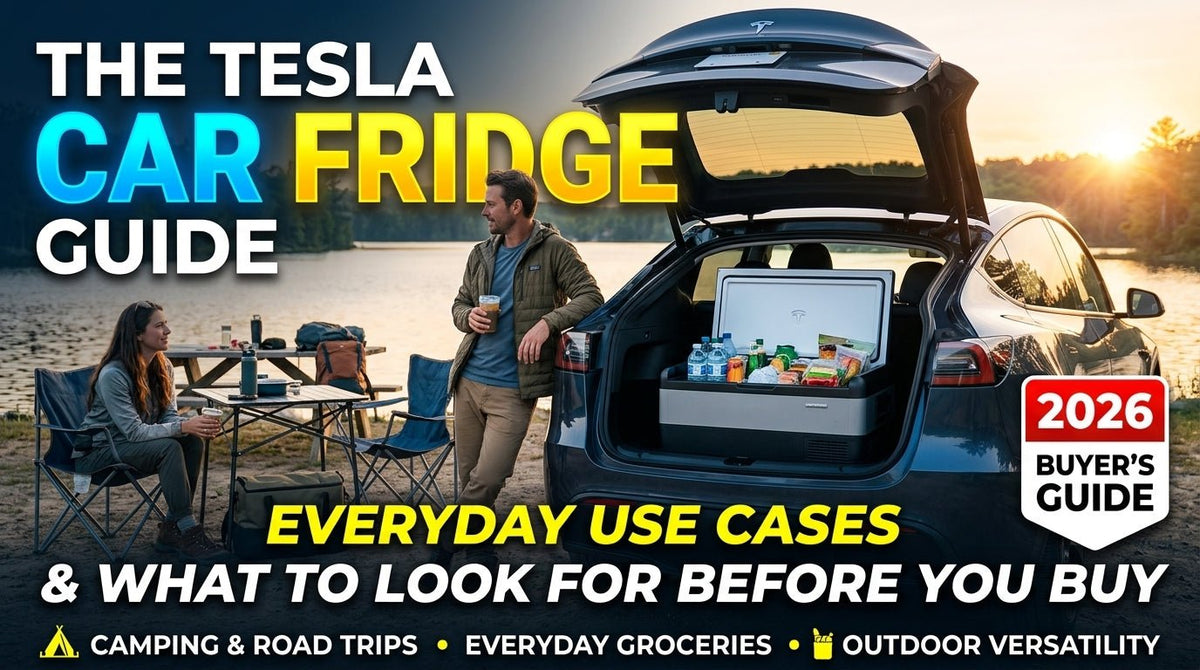
The Tesla Car Fridge Guide: Everyday Use Cases & What to Look For Before You Buy 2026
When most owners think about getting a car fridge for their Tesla, they picture a week-long road trip through national parks or an off-grid camping weekend. While a fridge is great for those trips...
Read more
Leave a comment
This site is protected by hCaptcha and the hCaptcha Privacy Policy and Terms of Service apply.