
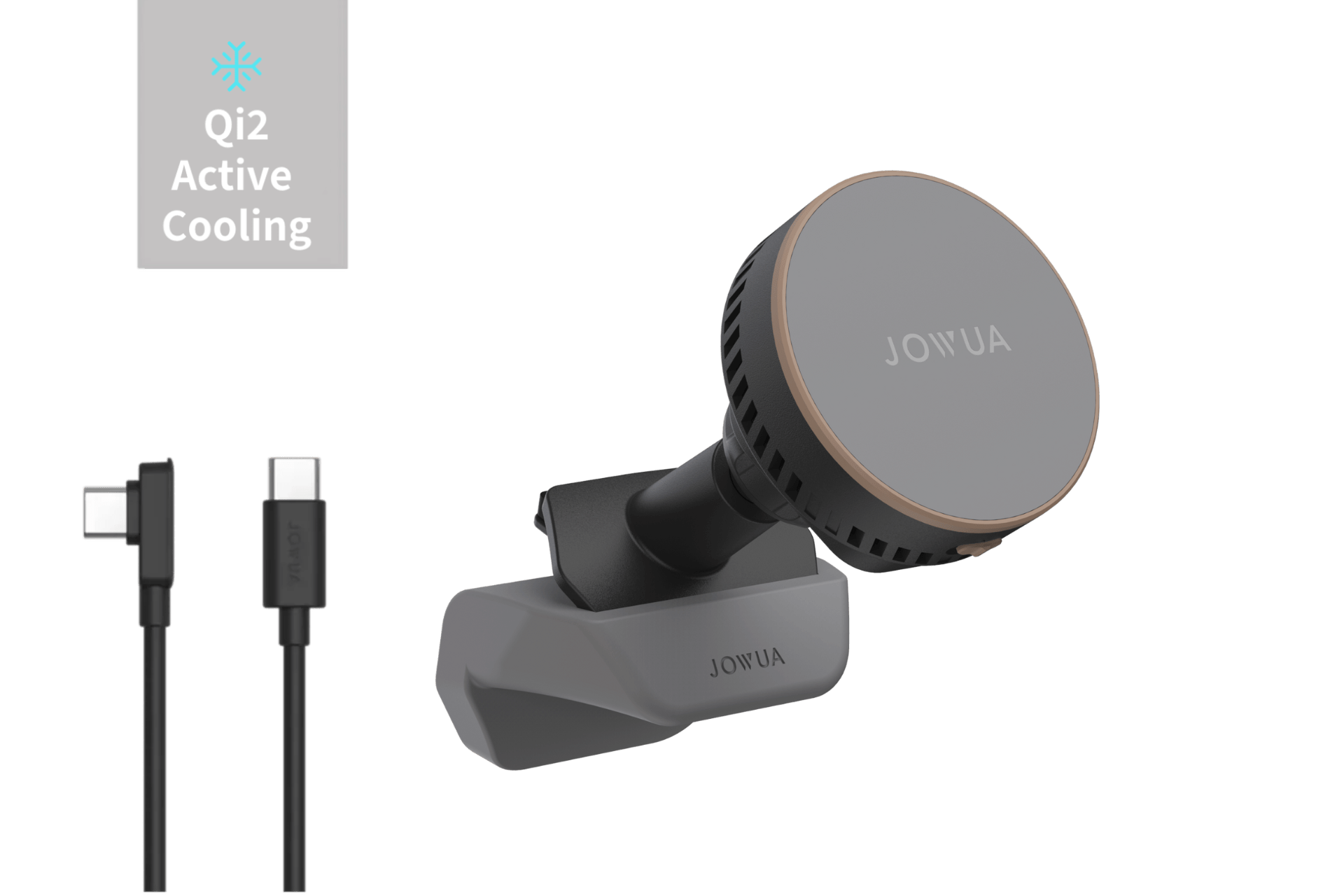










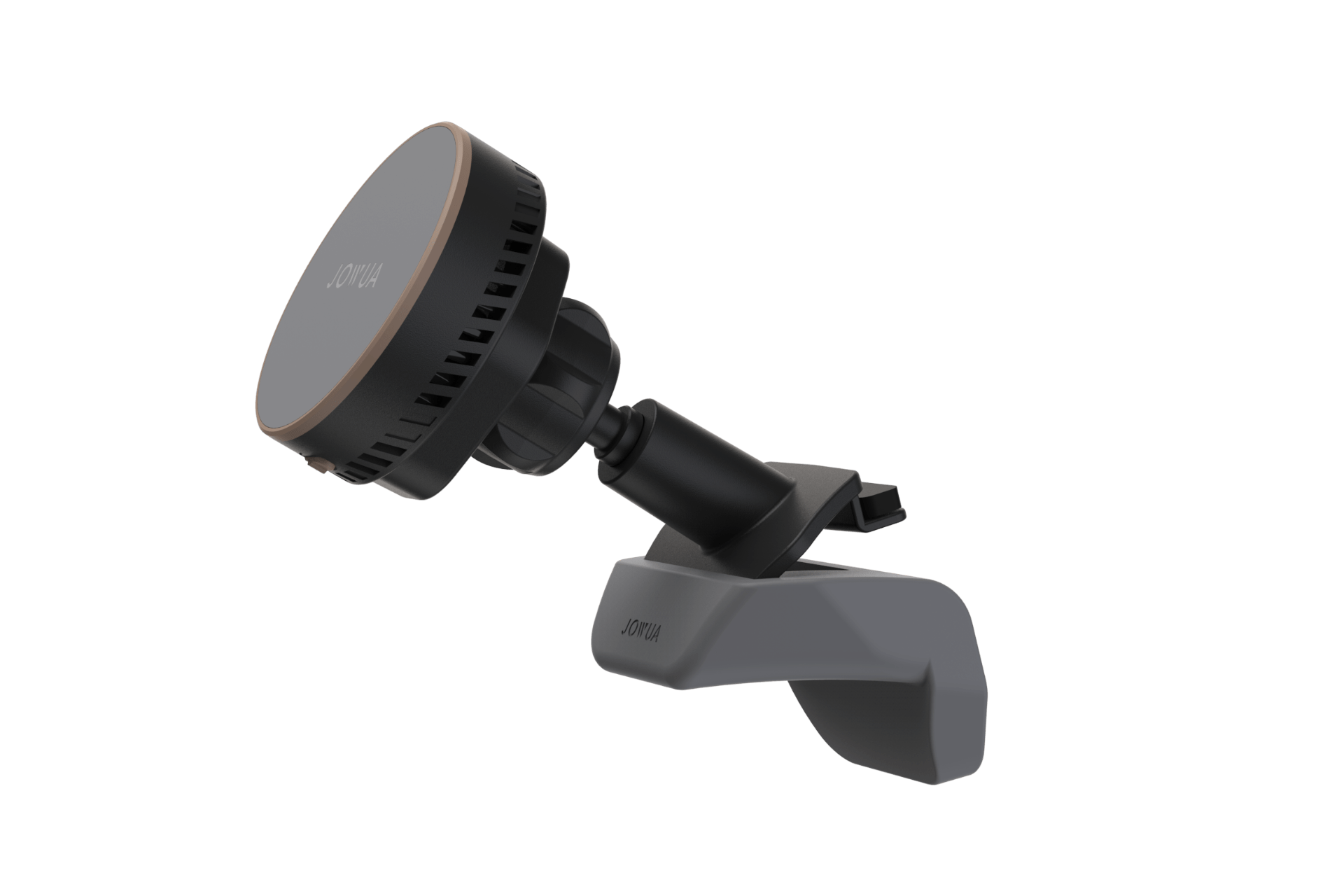
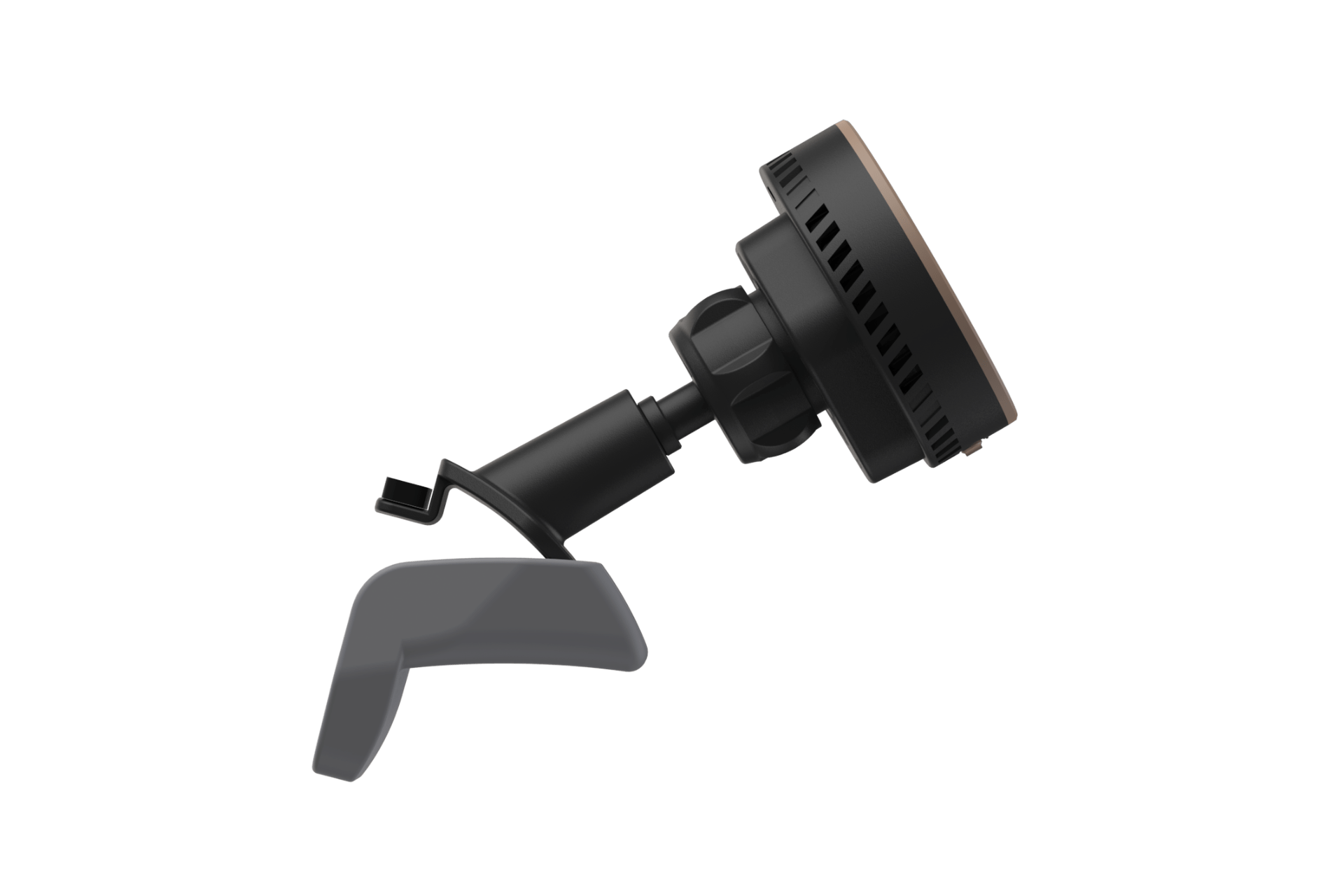
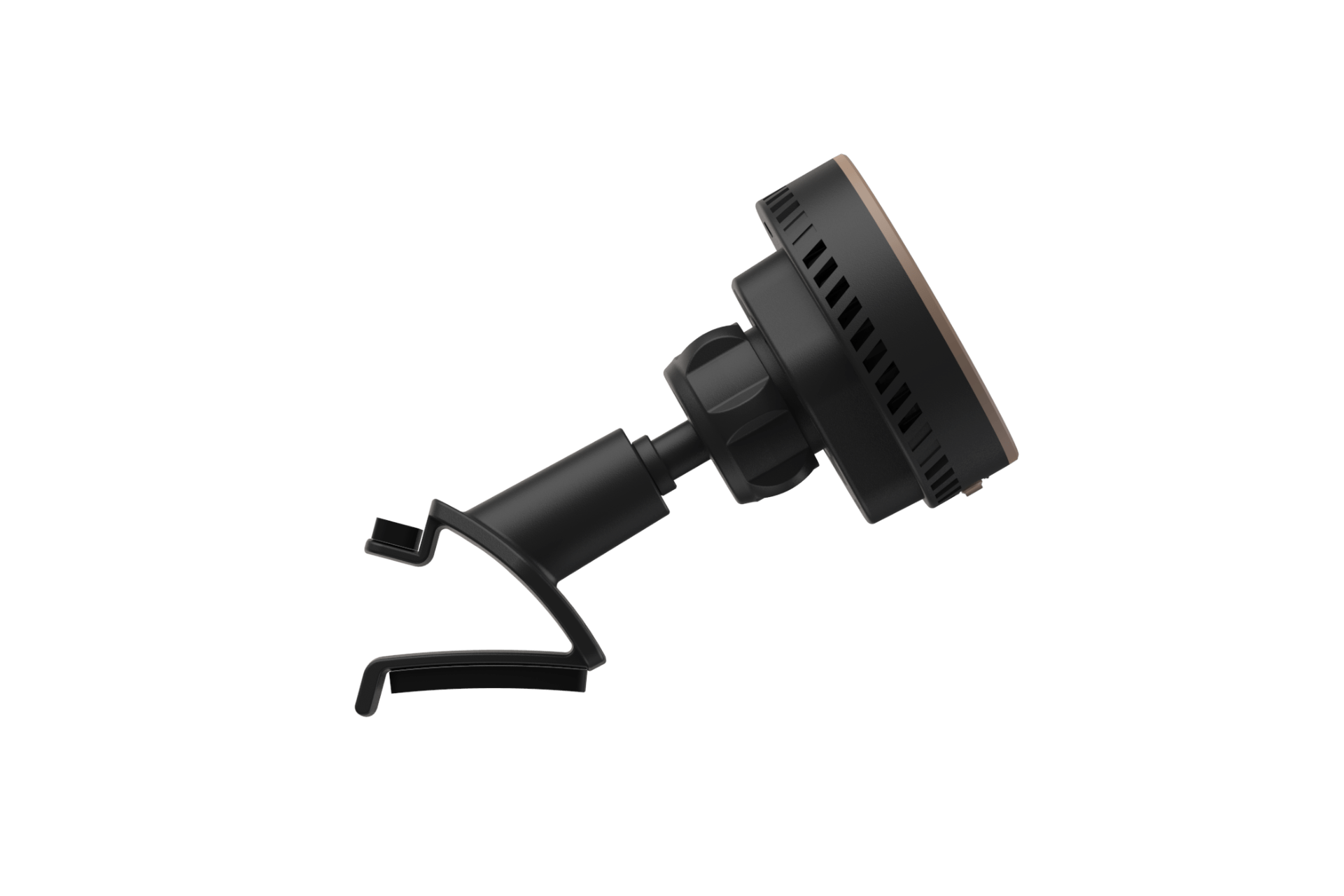



Active Cooling MagSafe Car Mount for Air Vents (Model 3 Highland & Model Y Juniper)
In Stock
Estimated delivery:
Jul 27, 2026 - Jul 31, 2026
Description
Perfectly Integrated with the Model 3 Highland (2024-2026+) & Model Y Juniper (2025-2026+) Air Vents
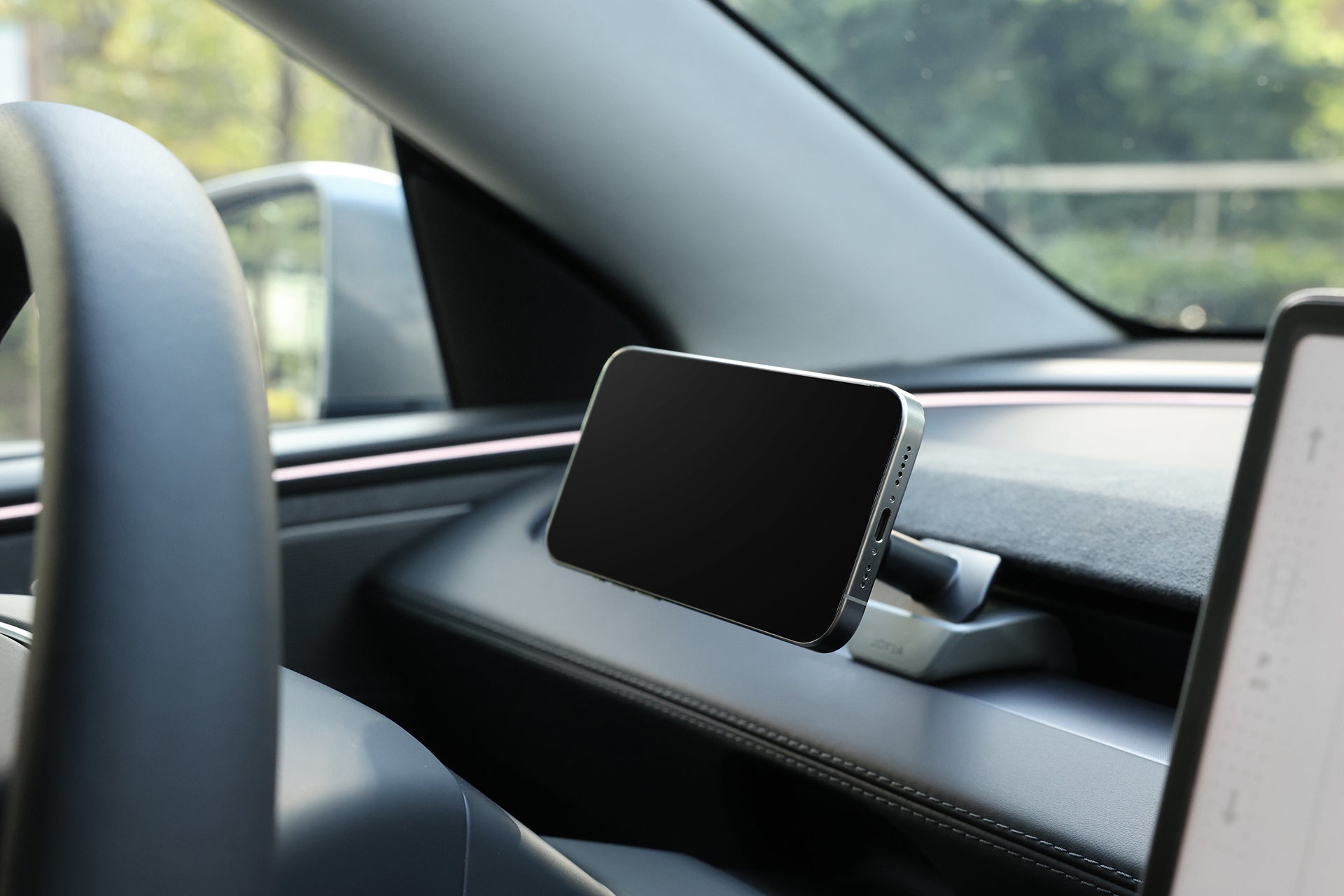
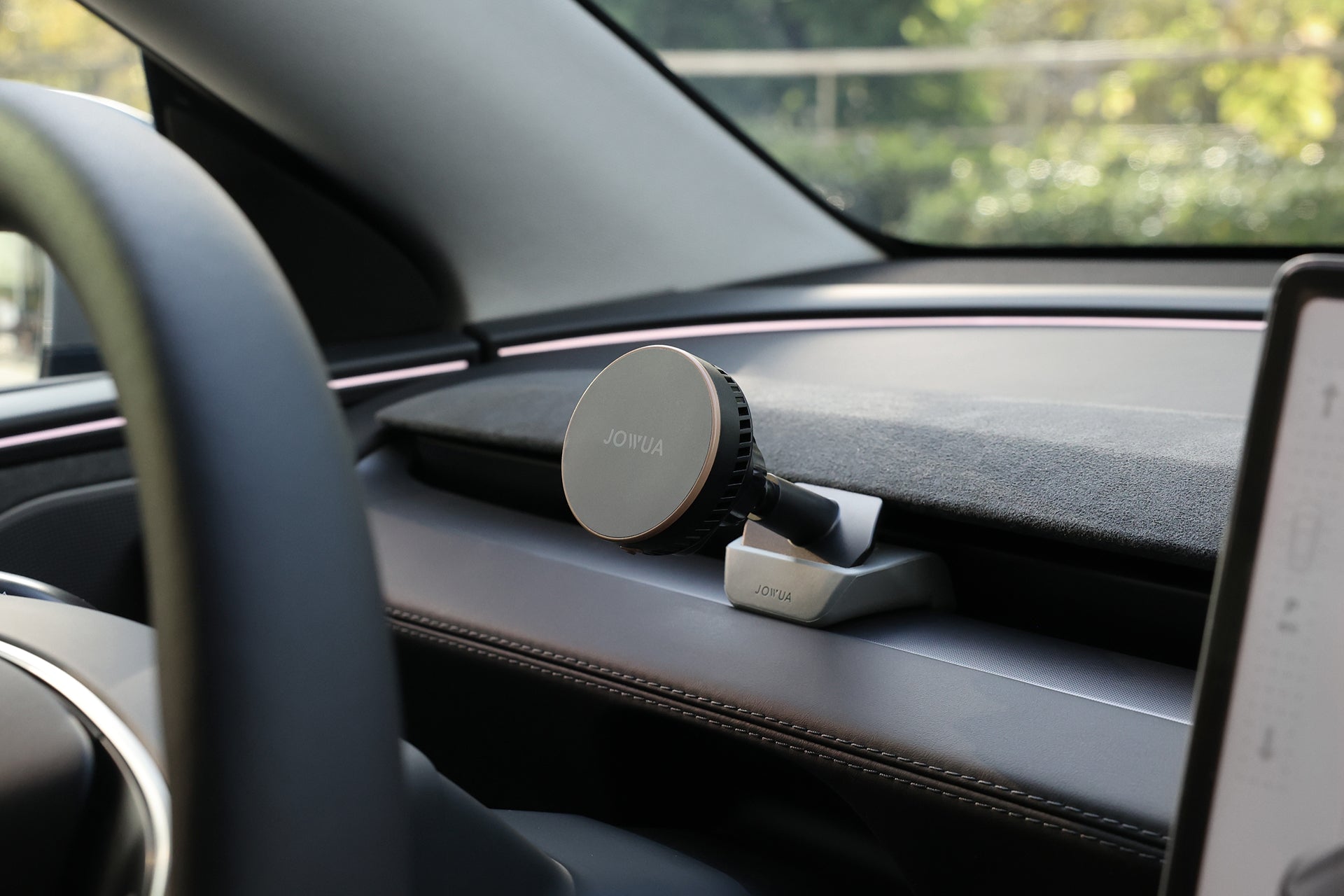
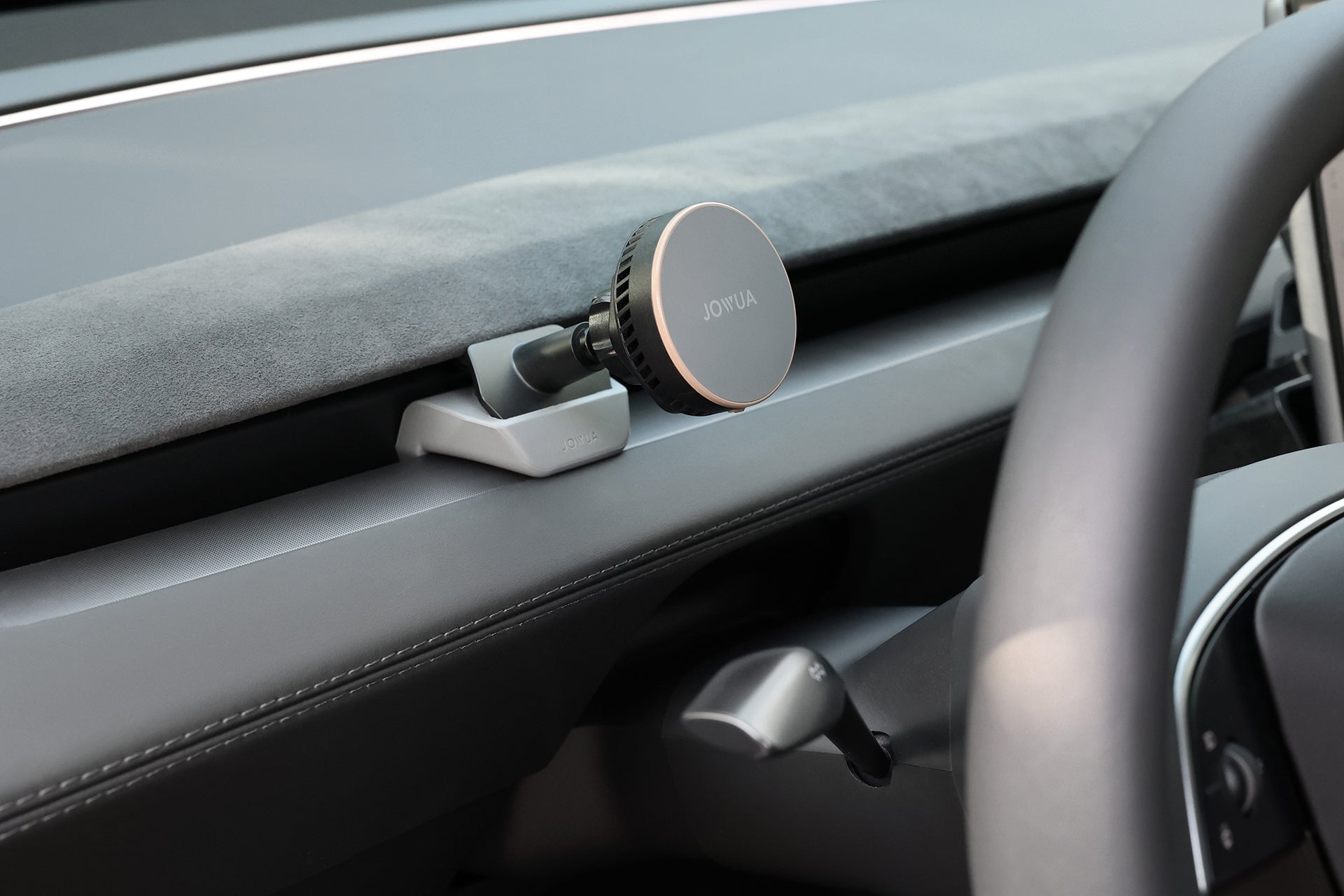
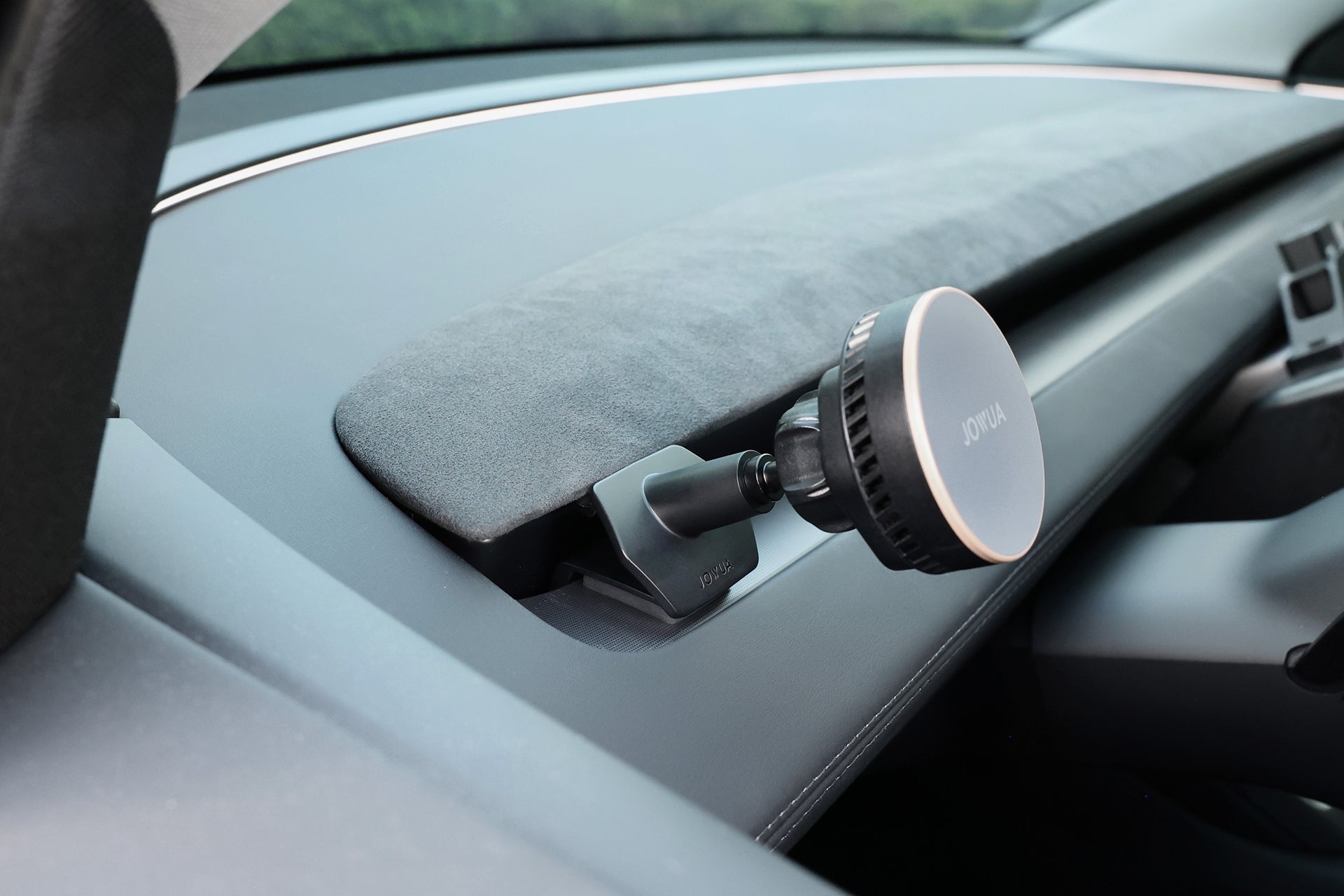
Compatible with the front air vents of the Model 3 Highland & Model Y Juniper —the entire vent row is fully supported! Installation location is not restricted, allowing for flexible positioning.
The package includes a silicone base for use depending on the installation location
- Near the outer door sides – No need to use the silicone base.
- Central or non-side positions – Use the silicone base to enhance stability.
Dual Cooling System for Maximum Performance
- Semiconductor Cooling Panel – Upgraded thermal technology built into the mount delivers an instant icy touch, keeping your phone cool and maintain peak charging efficiency for all your rides.
- Silent Circulation Fan – An integrated, low-noise fan actively dissipates heat, maintaining smooth and efficient charging without interruptions.
Upgraded to Qi2! Supports iPhone MagSafe Wireless Charging
The latest wireless charging standard, with faster charging speeds and higher efficiency. Supports wireless charging up to 15W for both iPhone and Android devices!
360° Rotation
360-degree adjustable design allows your phone to be in your ideal viewing angles.
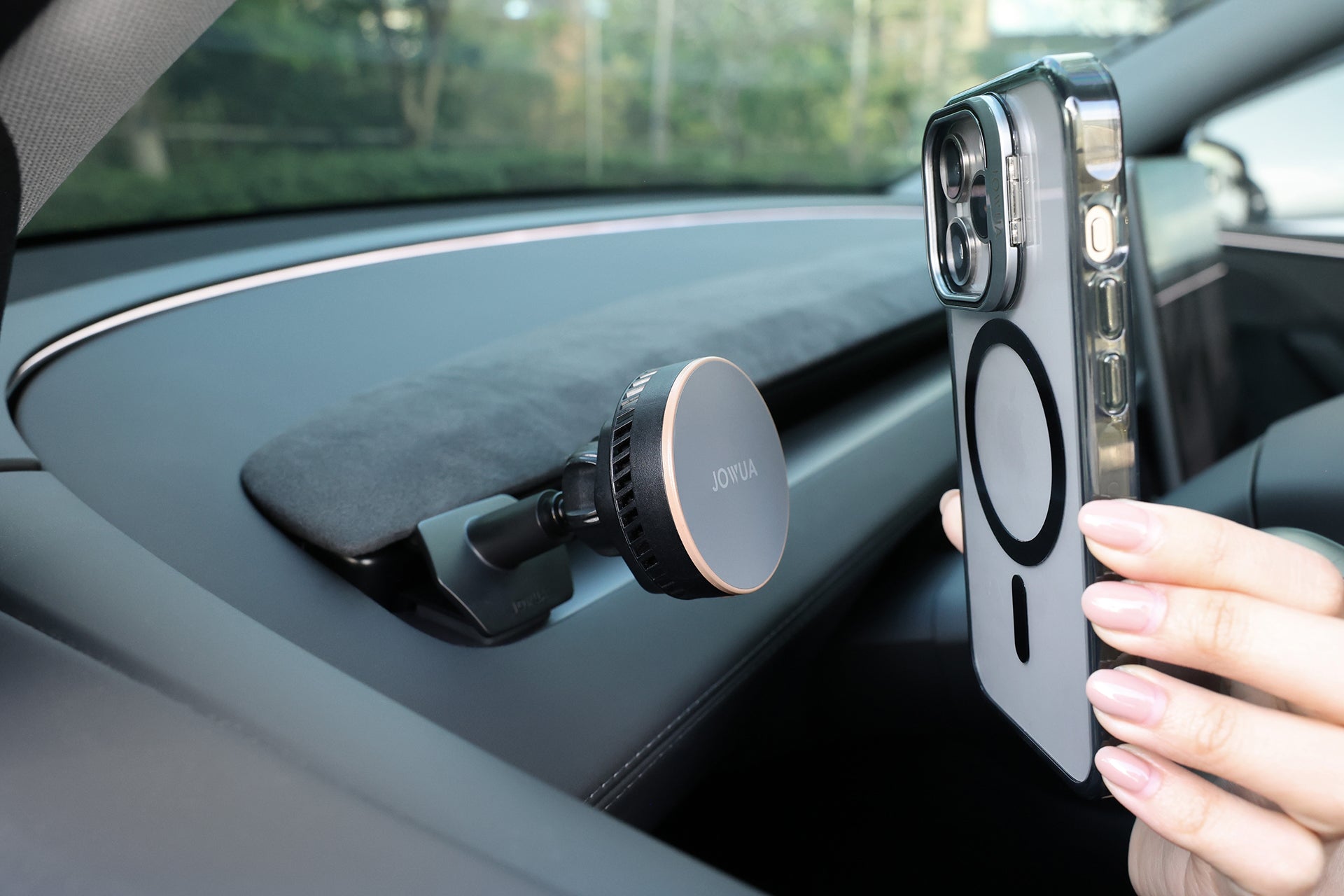
Support iPhone MagSafe
Compatible with iPhone MagSafe series and MagSafe cases.
Silicone Anti-Slip Surface
The contact surface uses silicone material to protect your phone or phone case from scratches and prevent the phone from sliding off.
Silicone Protection Base
Both the holder and the base are equipped with anti-slip silicone, ensuring stable placement without falling, and safely protecting your vehicle from scratches.
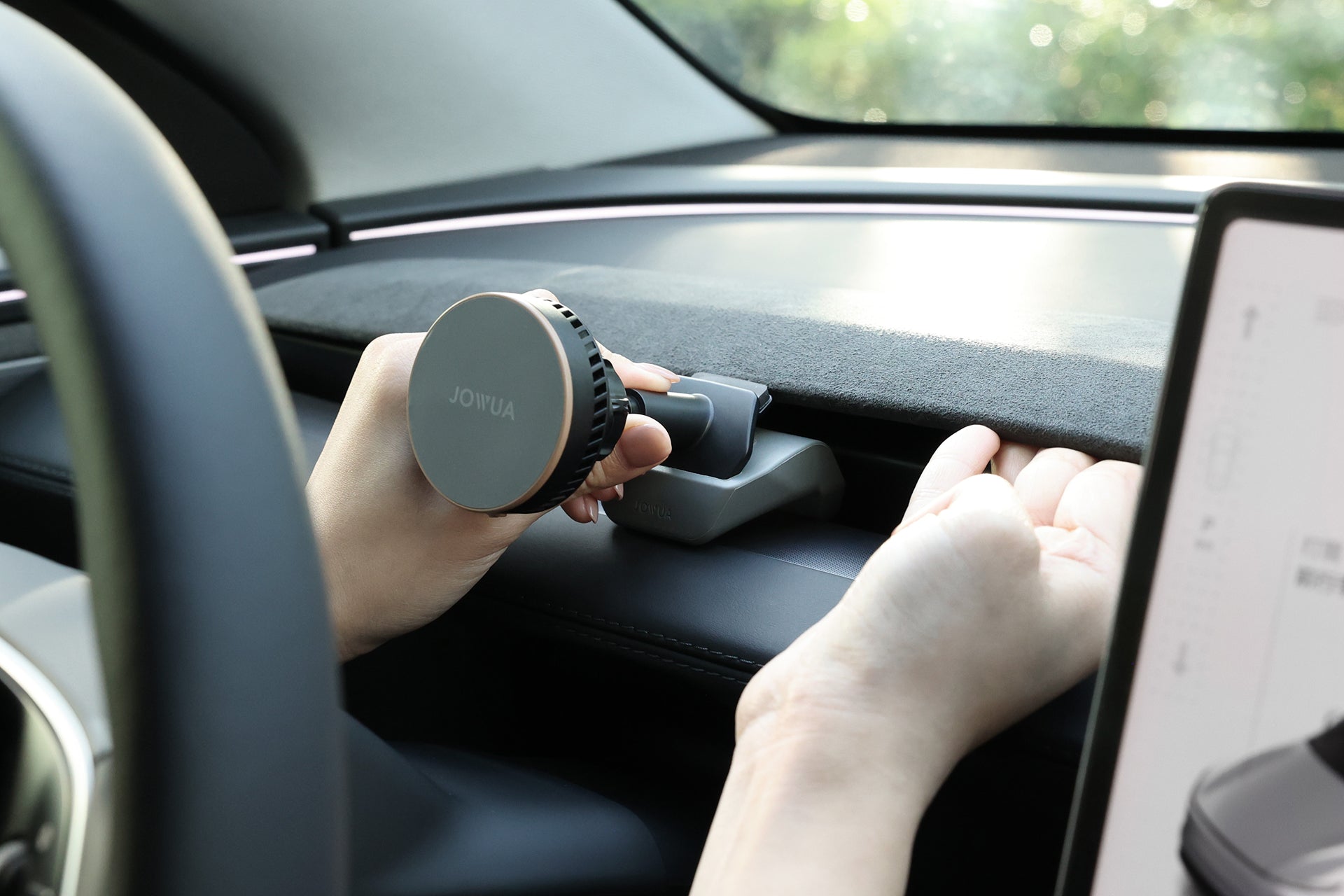
One-handed operation
East to pick and place with one-handed operation, and firmly hold your device.
Spec (Wireless Charging Version)
- Input: 5V⎓2A, 9V⎓3A, 15V⎓2A
- Output: 5W, 7.5W, 10W, 15W
Package Content Included
Active Cooling Qi2 Wireless Charging
- Active Cooling MagSafe Car Mount for Air Vents
- Silicone Base
- USB-C to C cable
Non-Charging
- MagSafe Car Mount for Air Vents
- Silicone Base
Choisir les options
Active Cooling MagSafe Car Mount for Air Vents (Model 3 Highland & Model Y Juniper)
In Stock
Estimated delivery:
Jul 27, 2026 - Jul 31, 2026

Perfect Match | Model 3 Highland / Y Juniper Air Vent
Full Vent Compatibility.
Unrestricted Placement. Infinite Viewing Angles.


How to Install | Air Vent Mount
Installation Position | Side Vents (Near Doors)


Built-in Dual Cooling System
Semiconductor Cooling Plate

Innovative IC plate cooling on the mount provides a smooth, cooling sensationKeeps your phone at optimal temperature for reliable charging
Silent circulation fan

The charger features a built-in silent-flow cooling fanQuietly expels heat generated during charging Delivers consistent, efficient, and reliable charging


Shortest Charging Time, Best Charging Efficiency
Based on iPhone 16 Pro charging time (from 10% to 60%)


Supports iPhone MagSafe wireless charging
Latest upgradedQi2 wireless charging spec
Supports 15W high-efficiency wireless charging for iPhone and Android devices
*Only applicable to iPhone MagSafe series models and MagSafe compatible magnetic

Product Features Overview

Powerful magnetic force supports the weight of up to 3 phones. Stays securely attached even on bumpy roads.
Increases grip friction while protecting your phone
and case from scratches.


Durable silicone material protects your car interior, prevents slipping, and enhances overall stability.


Fully adjustable ball head supports both portrait and landscape viewing modes.


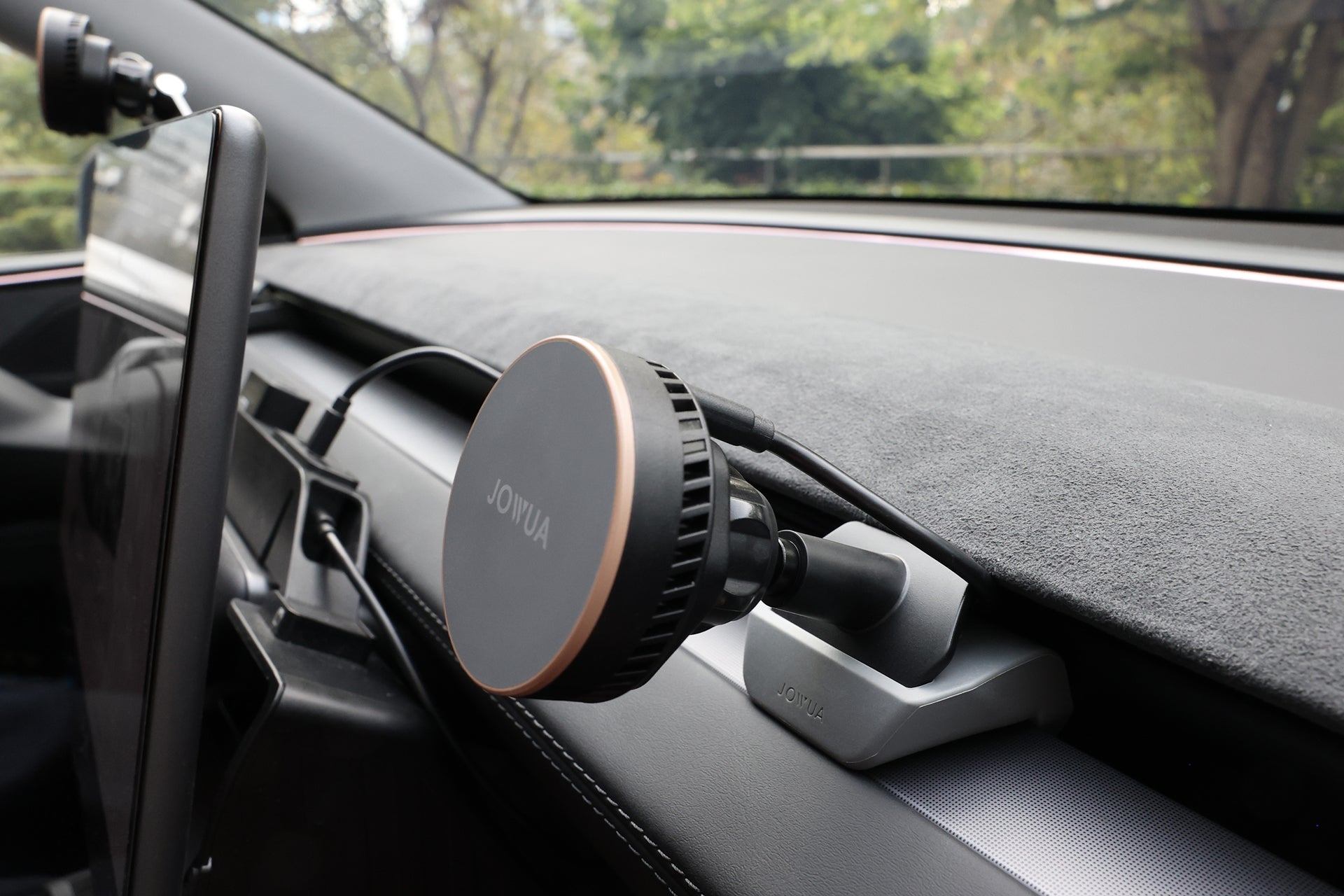
Cable Management | Side Vents (Near Doors)

Step 1 Plug the cable into the mount. Connect the charging cable to the extension cord and power it via the rear row USB-C port.
Step 2 Cover the wire with your floor mats for a completely hidden, seamless look.

Cable Management | Behind the Steering Wheel

Step 1 Connect the charging cable to the mount. Power the device using the Power Hub's center port (30W).
Step 2 Use the included Velcro strap to tidy up any excess cable, then tuck the cable neatly into the dashboard trim groove for a concealed, clean finish.

Cable Management | Passenger Side Position

Step 1 Connect the mount using the USB-C charging cable (40cm) included with your Power Hub. Power the device via the Power Hub's center port (30W).
Step 2 Tuck the cable neatly into the dashboard trim groove for a concealed, clean finish.

