
Mastering Tesla Ventilated Seats: 2026 Model Y & Model 3 Guide
We’ve all been there: you park your Tesla under the summer sun for twenty minutes, and by the time you get back, the cabin is a sauna. Even with the AC cranking, "back sweat" is a real struggle for EV drivers.

Thankfully, with the 2024+ Model 3 (Highland) and the new 2026 Model Y (Juniper), Tesla has finally brought one of the most requested features to the lineup: Ventilated Cooling Seats. But how do you know if you have them, and more importantly, how do you make them work for you?
Here is your Jowua guide to staying chilled behind the wheel.
Quick Guide: The 3 Steps to Master the "Seat Chill"
Step 1: The Perforation Check Before diving into the software, look at your seats. Are they smooth or "holy"? Ventilated seats require perforated vegan leather (tiny pinholes) to allow air to flow through.

-
Note: In the 2026 Model Y, you might notice the rear seats are also perforated to match the design, but ventilation is currently a front-row exclusive luxury.
Step 2: Customize Your Launcher (The "Pro Move") Don't dig through menus while driving! To get one-tap access:
-
Tap the App Launcher (the three dots).
-
Find the Seat Icon.
-
Drag and drop it onto your bottom menu bar. Now, you can toggle your climate comfort without ever taking your eyes off the road for long.

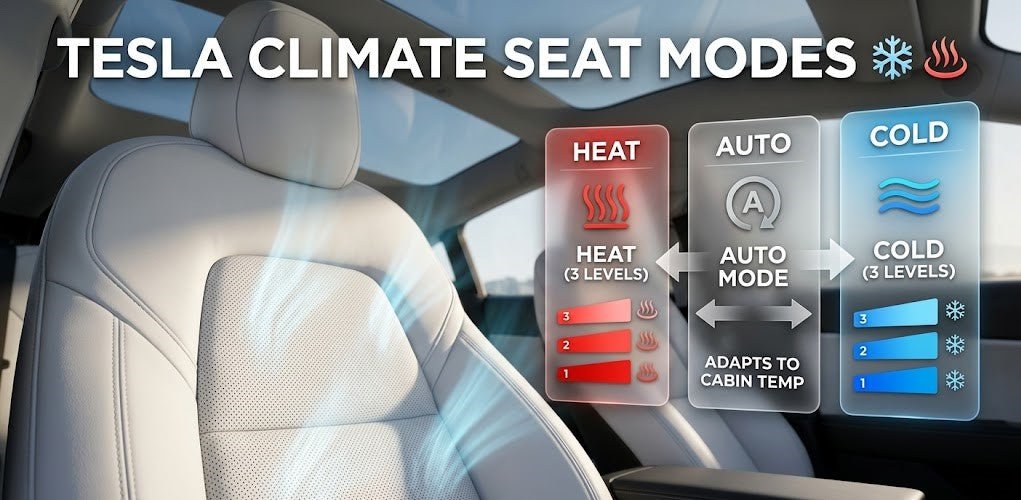
Step 3: Toggle "Blue Bacon" Mode Tap your new seat icon. You’ll see three wavy lines (often called "bacon strips" by the community):
-
Red Strips: Heating mode (for winter).
-
Blue Strips: Ventilation mode (for summer).
-
Auto: Let the car decide based on your cabin temperature.
Jowua Engineer Tip: If you see the blue lines, you’re in "Cooling" mode. Level 3 is the highest (max fan speed), while Level 1 provides a subtle, silent breeze to keep your clothes from sticking to the seat.
The Experience: Manual vs. Auto
While many owners prefer manual control, Tesla’s Auto setting is surprisingly smart. In a 2026 Model Y, the car uses internal humidity and seat-weight sensors to determine how much airflow you need. If the car is scorching, it will blast the ventilation at Level 3 immediately upon entry and gradually taper down as you cool off.

Pro Tip: The "Pre-Condition" Secret
To get the most out of this feature, use the Tesla Mobile App before you get to the car. When you turn on the "Climate" remotely, the car will automatically begin venting the seats if the exterior temperature is high. No more jumping into a hot seat!
Jowua Tech Note: Compatibility
As of 2026, ventilated seats are a hardware-dependent feature.
-
Model Y: Available on the 2026 "Juniper" refresh (all trims).
-
Model 3: Available on 2024+ "Highland" models.
-
Legacy Models: If your seats are solid (no holes), this feature cannot be added via software update, as there are no internal fans or perforated material to move the air.
Happy driving! 🤗✨
Sources:
-
Jowua Engineers Team 💪
-
Tesla Vehicle Support: https://www.tesla.com/support

-
Special Thanks to Eric at "Tesla How To" for some photo / advice in this blog; 🙏🎉👇
- YouTube: Tesla How To "How To Use Ventilated Cooling Seats In Tesla" https://youtu.be/CtXJJ7G0FpA
Read more

How to Reduce Motion Sickness in the 2026 Tesla Model Y
Prevent passenger motion sickness in your 2026 Tesla Model Y Juniper! Learn how to adjust the new brake-by-wire "Deceleration Mode" for a smoother, nausea-free ride without sacrificing battery effi...
Read more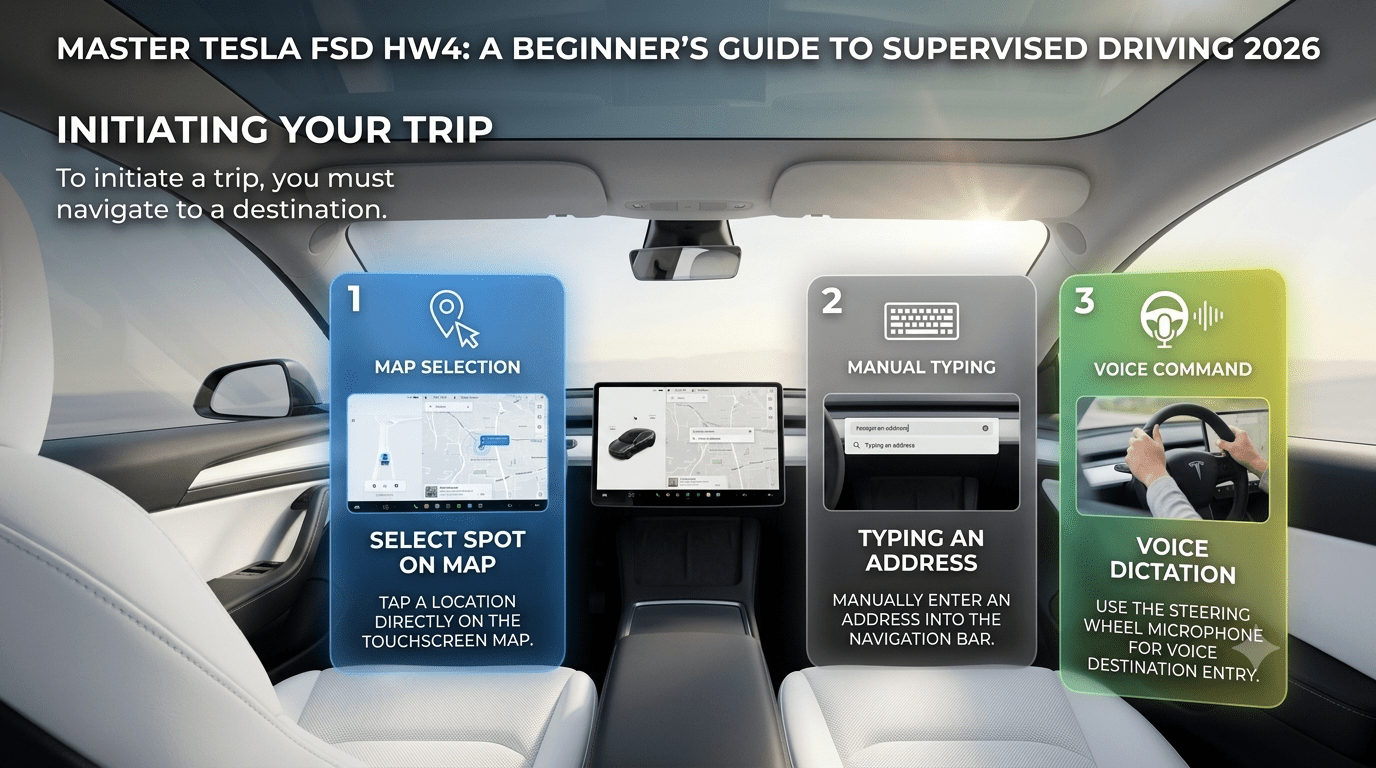
Master Tesla FSD HW4: A Beginner’s Guide to Supervised Driving 2026
Unlock the full potential of your Tesla with our comprehensive guide to Full Self-Driving (Supervised). From the moment you engage the system to the final parking maneuver at your destination, FSD ...
Read more